A catalogue for everything Swivl ships: website builder templates, the Scheduler, widgets, even hardware. One shelf, and one simple way to install, browsable by anyone before an account is ever mentioned.
My roleProduct designer
PlatformWeb, responsive
ForSwivl customers, plan or not
Year2026, live in Swivl
vezign.online/marketplace · walkthrough
FilmThe marketplace in 28 seconds
Browsing the shelf, opening the Scheduler and installing it.
The problem
Swivl ships templates, a Scheduler, widgets and hardware, and nowhere could a customer see all of it.
What I did
Turned a one-line brief into what people already know: a shelf to browse, one product-page shape drawn from a wardrobe, and a two-move install. 45 screens and states.
The result
Live in Swivl. A business can take one widget, like the Scheduler, without the AI Website Builder or a plan. Installs not measured yet.
01The core screen
The shelf: everything, in one place.
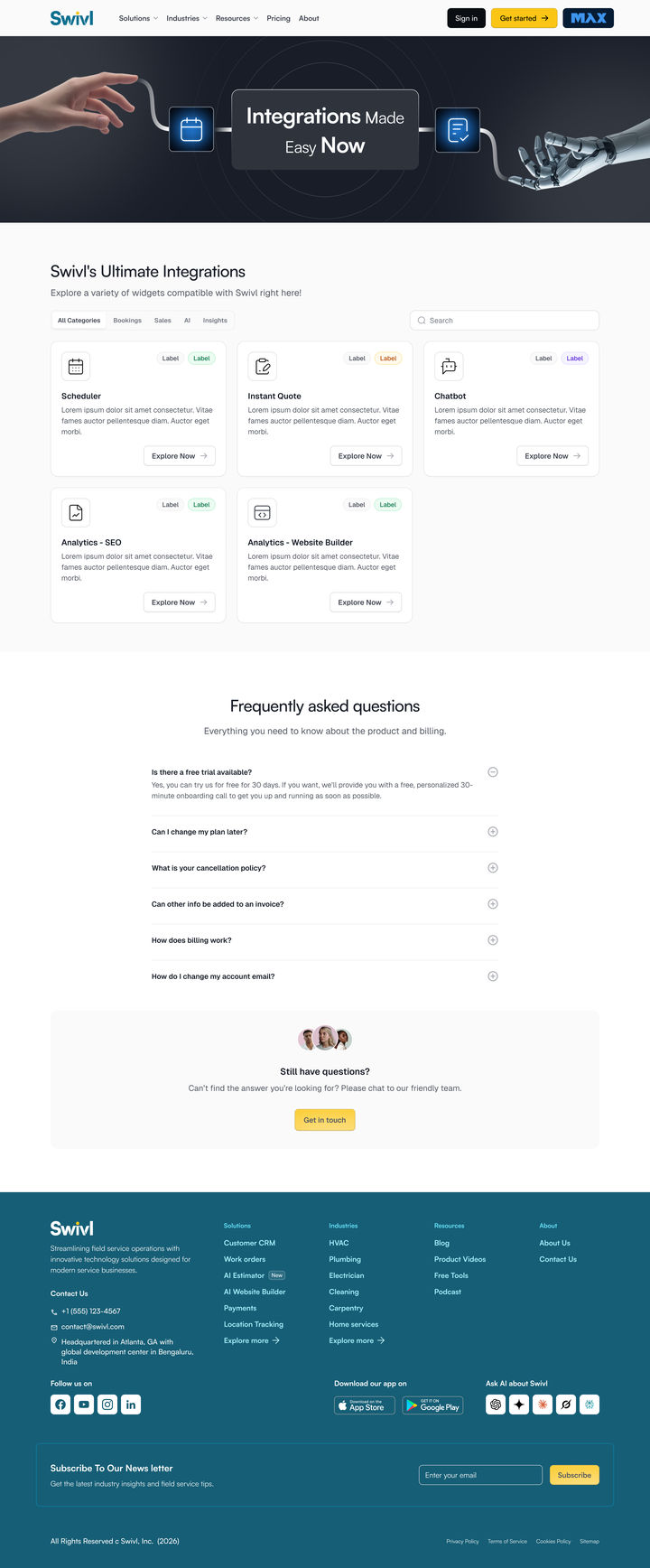
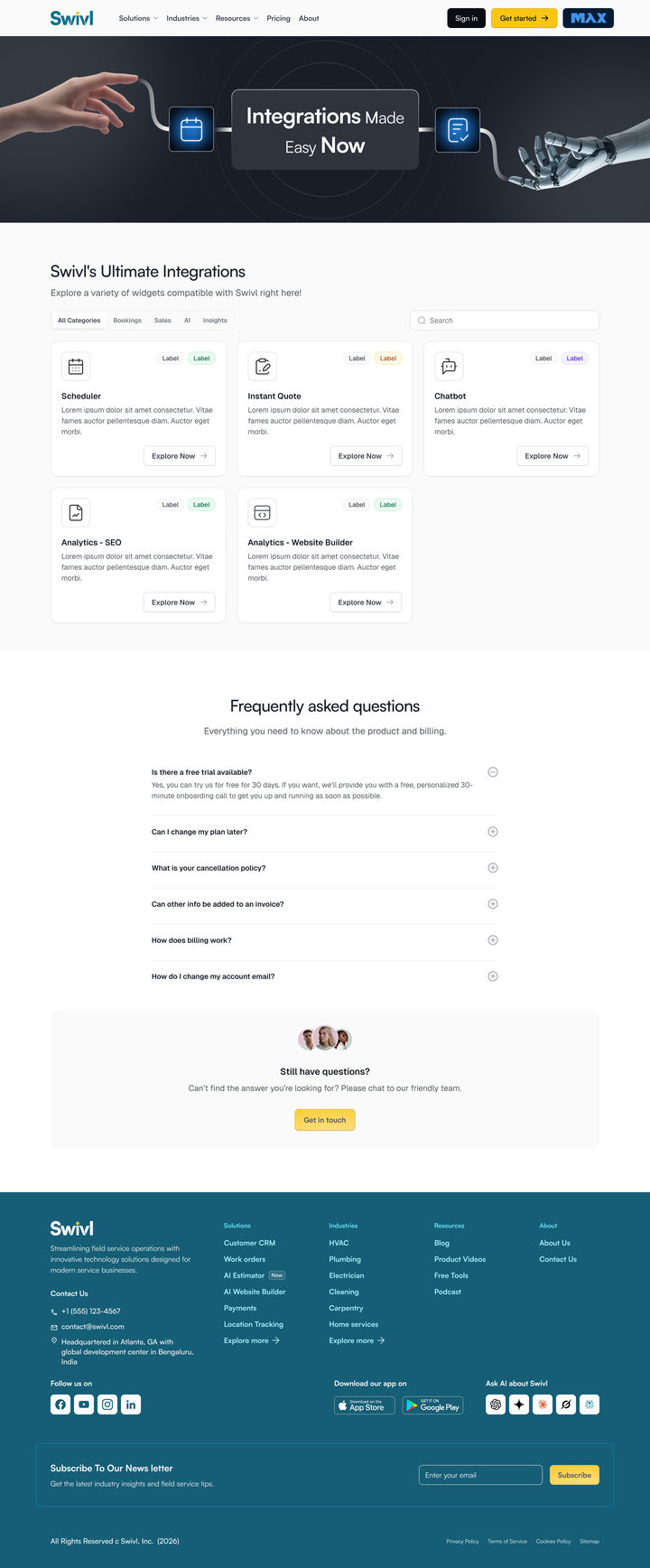
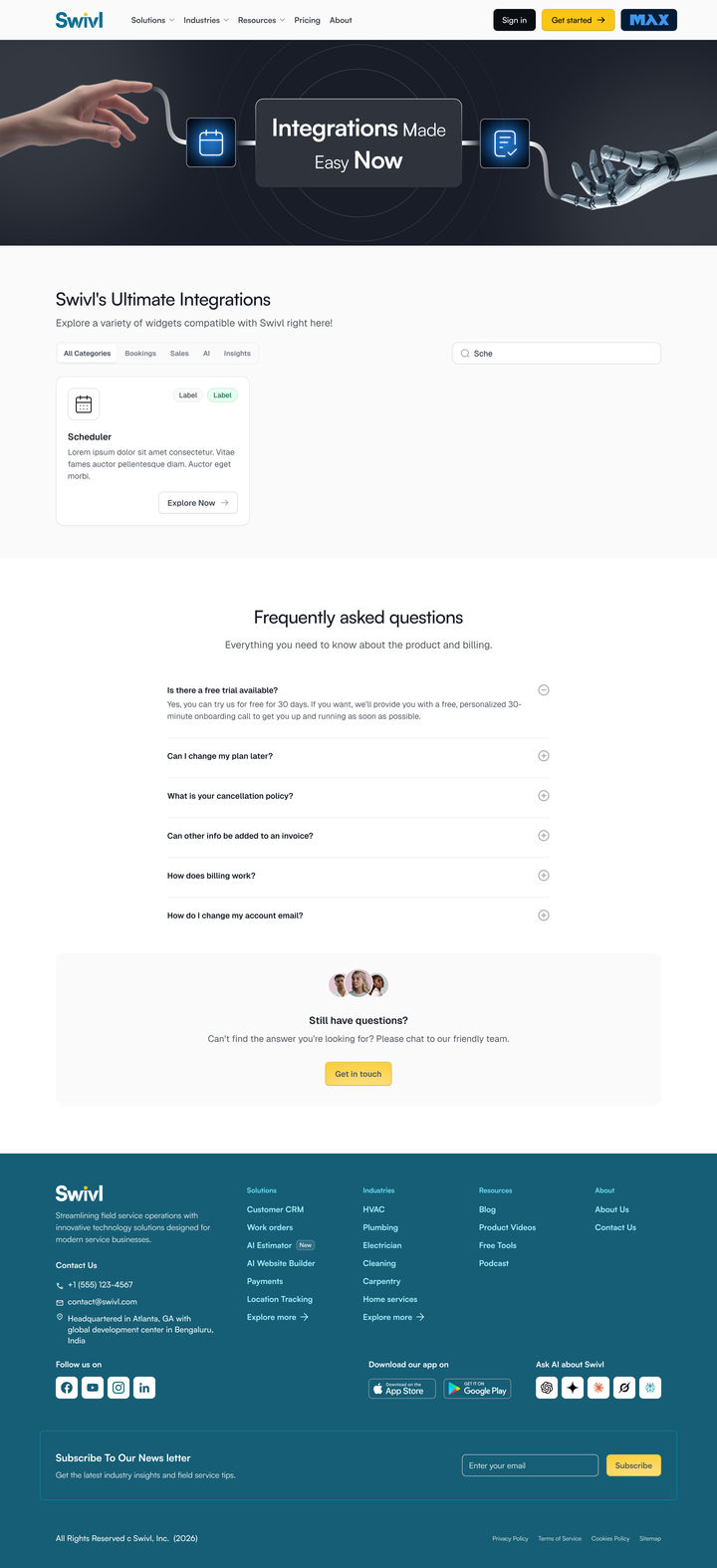
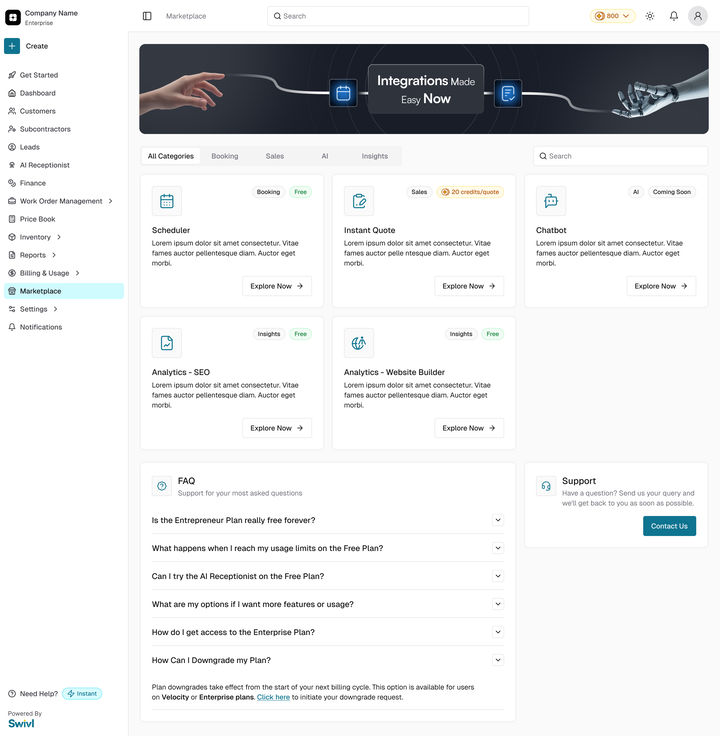
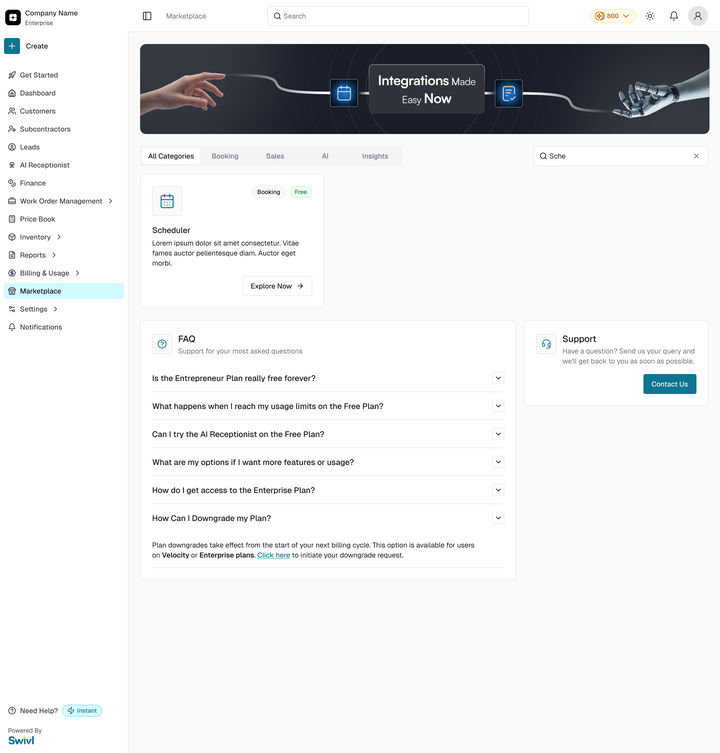
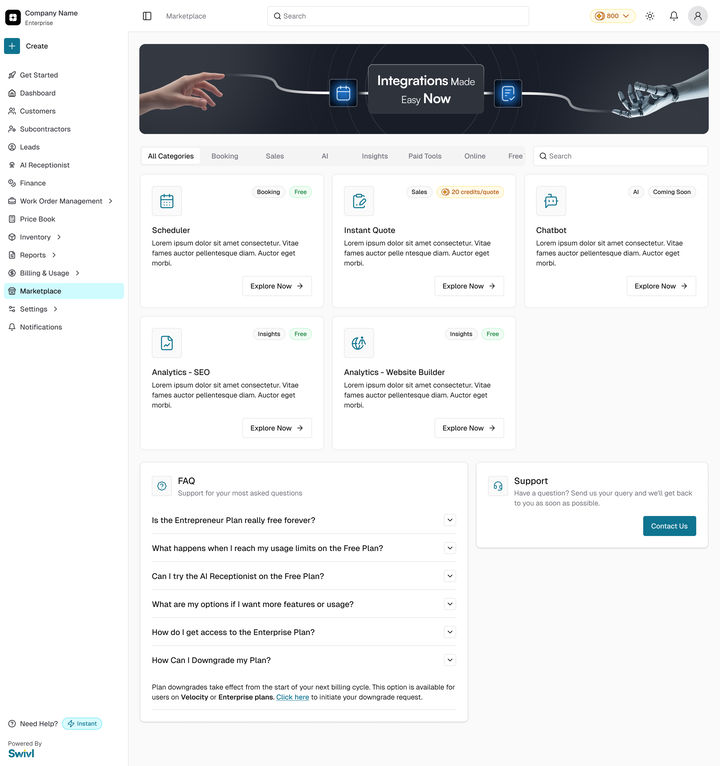
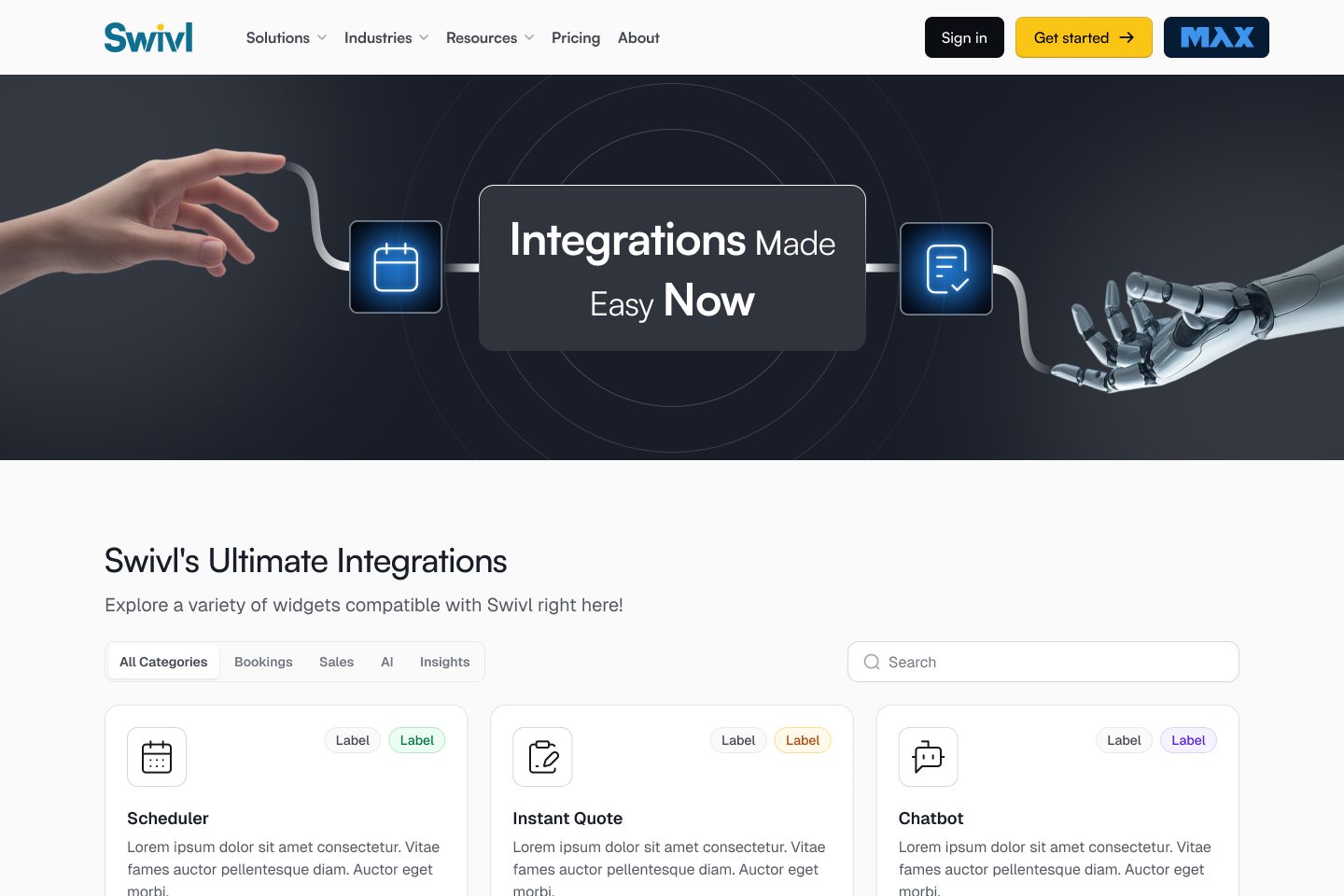
The marketplace home: everything, categorised and filterable, scanned like a shelf rather than queried like a database. Scroll inside to read it all.
swivl.app/marketplace
WebThe shelf: the marketplace homeScroll inside
01Integrations hero
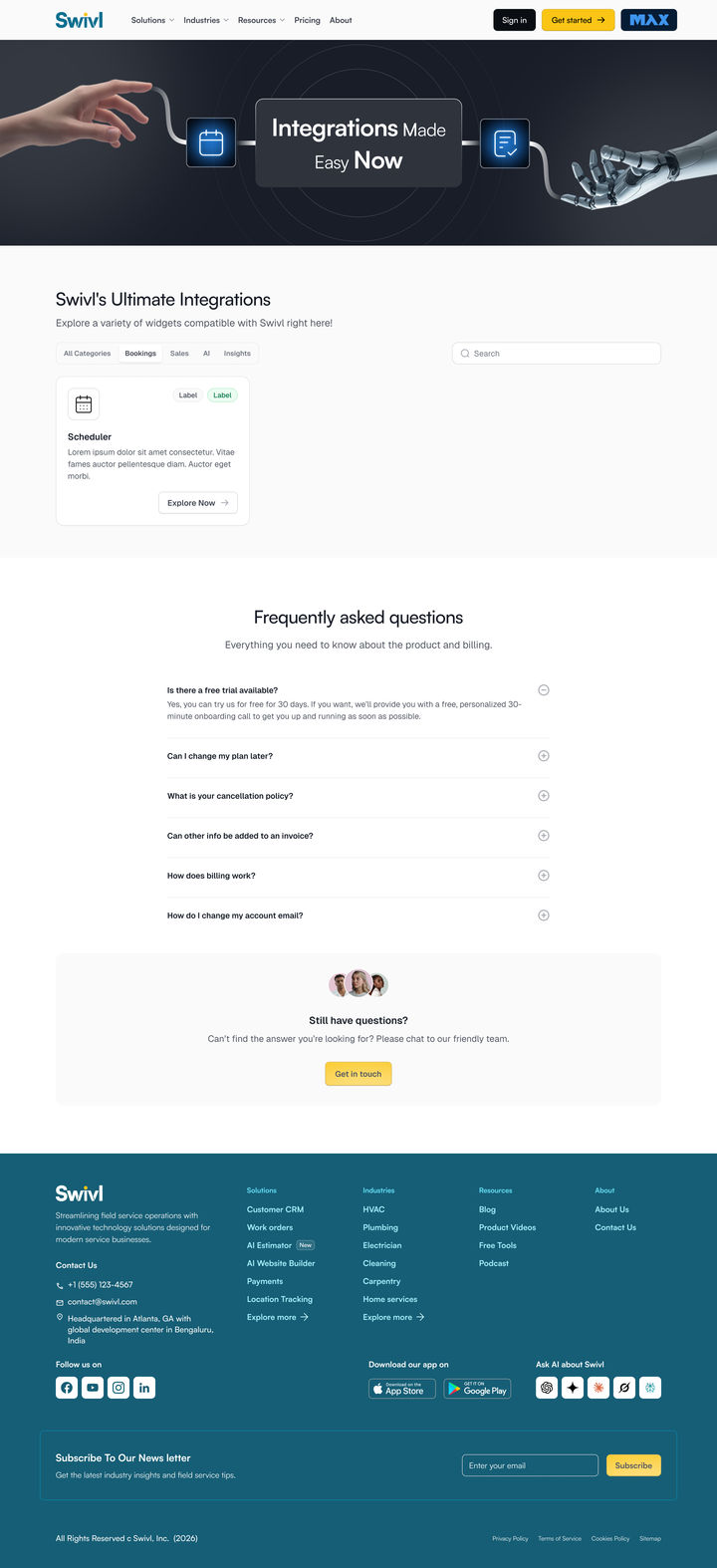
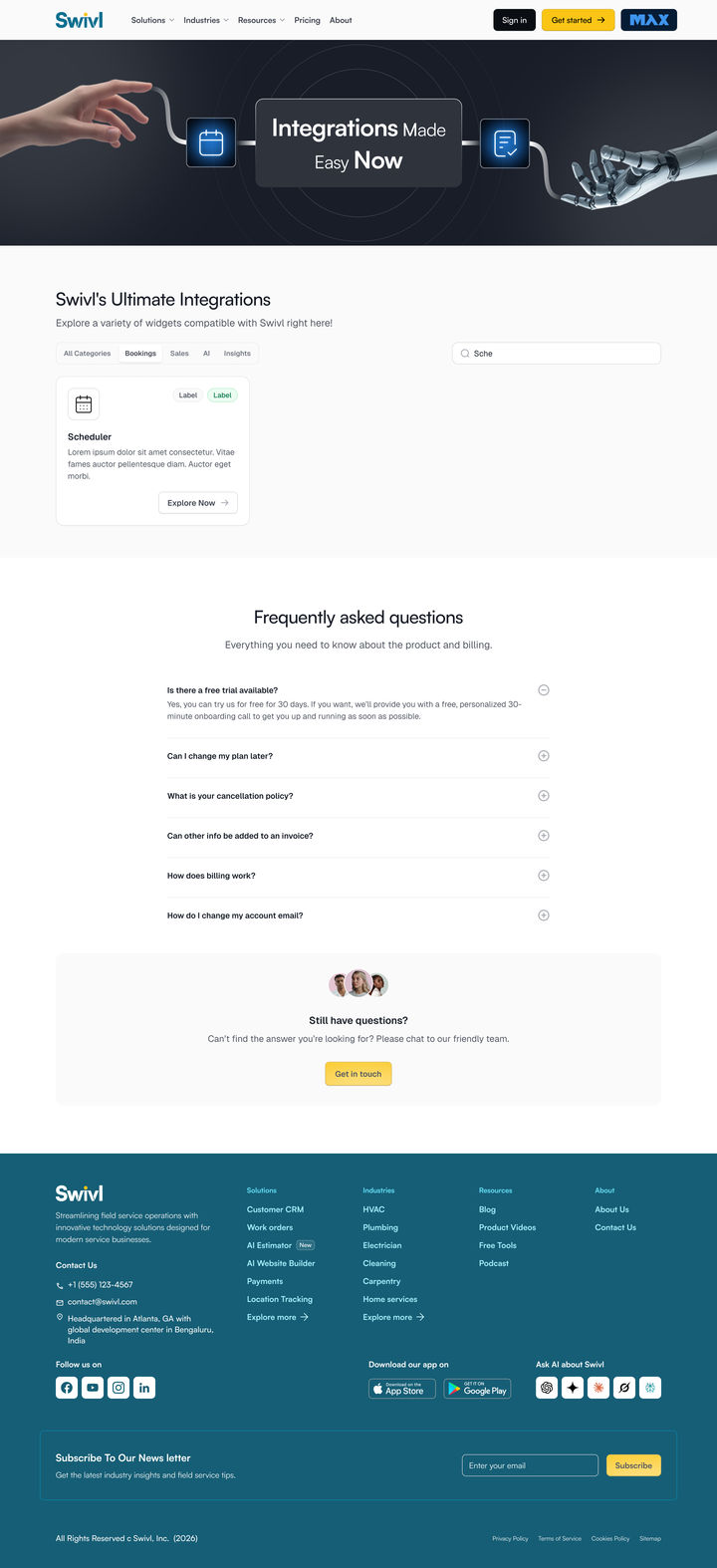
02Categories + filter
03Search
04Product cards
02The problem
A lot to ship, and no shelf.
Swivl ships templates, a Scheduler, widgets and hardware, and nowhere could a customer see all of it in one place. The brief was one line long:
“We need a marketplace to place all of our individual assets and widgets, like website builder templates, Scheduler and more, including hardware.”
The brief · as it was given
What it was
A lot to ship, and no shelf
Templates, the Scheduler, widgets and hardware, and nowhere a customer could see all of them in one place.
→ You had to know it existed.
What it became
A catalogue you flip through
A home page that lists everything, and one page per product that reads like something you already know how to buy.
→ Find it the way you scan a shelf.
Who it servesSwivl’s customers, plan or not
Businesses on the AI Website Builder, and businesses that want one widget without joining a plan.
What that asks of itOpen to strangers, and one widget at a time
Someone who has never used Swivl has to see the value, and leave with just the piece they came for.
03Ideation
What if it is a physical catalogue?
This was never a reinvent-the-wheel job: people already know how to browse a catalogue and buy from one. So I stopped designing a platform, and compared every screen to a real object.
The single biggest shift
Nothing on any screen that a paper catalogue would not also have.
A shelf you browse and filter. One clean page per product. Simple was the whole strategy, and it decided what every screen was allowed to hold.
This ruled in
A shelf to scan, and one familiar page shape for every product.
This ruled out
A platform that has to be learned before anything on it can be found.
Before the page, a wardrobe
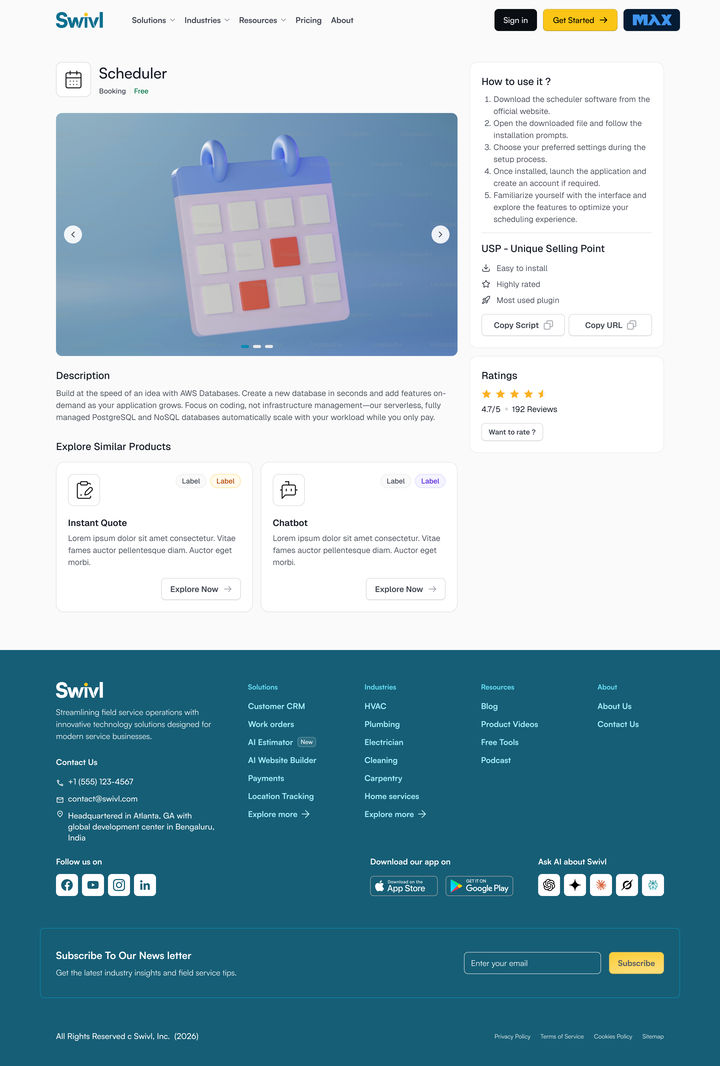
I drew this product page from a wardrobe. A good one is simple, organised and sorted by use: what you came for hangs at eye level, what you reach for often is one door away, and the rest waits in the drawers. The page works the same way. The first fold holds what you need now, and the second holds what you might want next.
0102030405
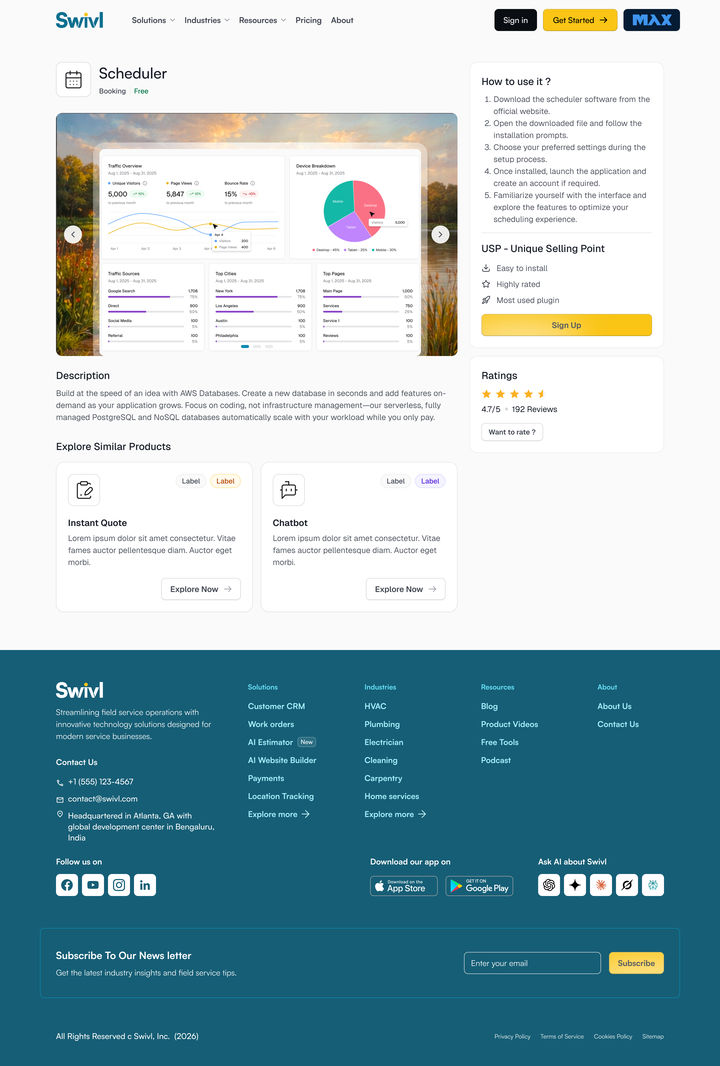
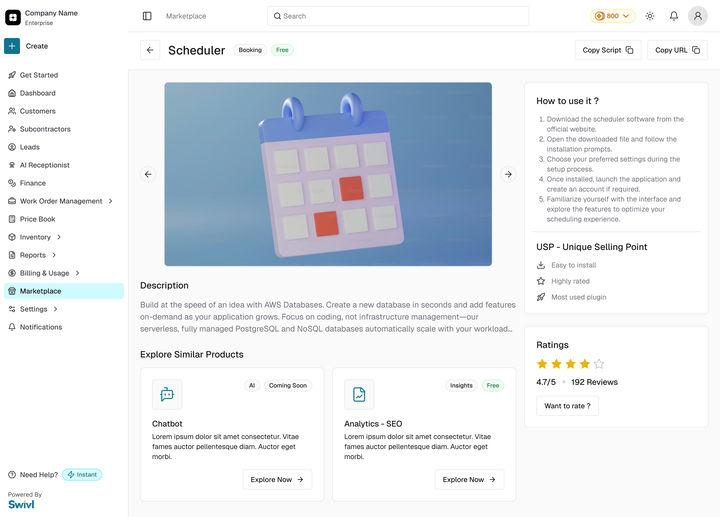
01The product hangs at eye level: its name on the shelf, its pictures on the rail.
02How to use it: five steps, one to a shelf, behind glass so you can read them.
03Why it is good sits on the last shelf. Copy Script and Copy URL are the handles.
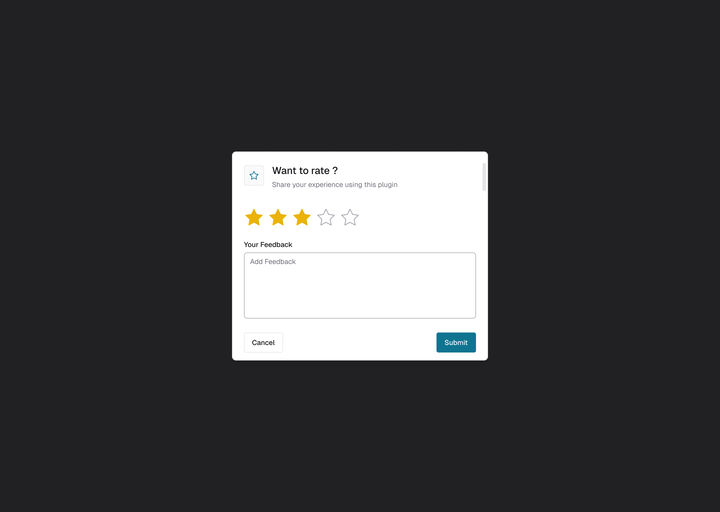
04The rating, on a plaque.
The description, folded flat under it.
First fold: what you came forSecond fold: what you might want next
05Similar products wait in the drawers, for when you want more.
IdeaThe wardrobe I drew the product page from
01Rail: image gallery
02Shelves: how to use it
03Handles: USP + install
04Plaque: ratings
05Drawers: related items
001
Vercel
Install is a command you paste, and every template opens on the same page shape.
002
Framer
The browse is the product: quiet filters, cards with a real preview, one step to have it.
003
Webflow
It earns trust first: the whole page, gallery and price before an account is mentioned.
I compared all three on the path from “I want this” to “it is live on my site”. They share one move: copy a script, paste it, done. That became the bar for install.
04The solution
The shelf, its page, and two moves to install.
A shelf you browse and filter, one page shape for every product, and an install that is a script you paste. Never gate the browse: sign-up appears at install, and nowhere before it.
swivl.app/marketplace · prototype
Prototype · WebFrom the shelf to the product page
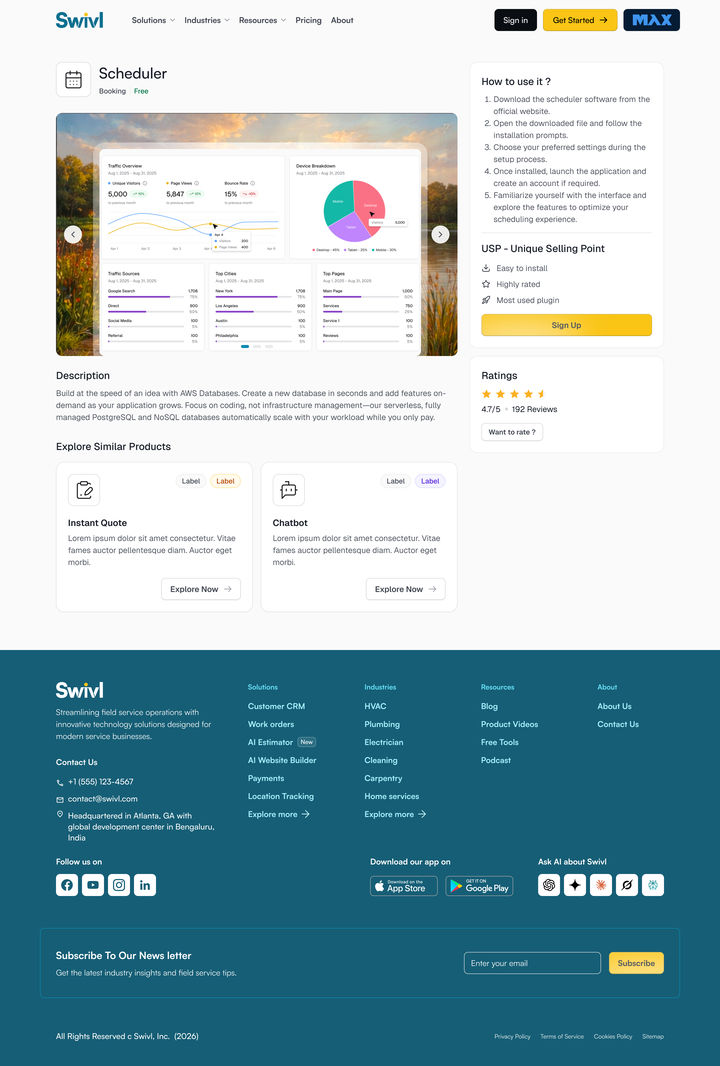
Pick a category, open the Scheduler, read its page: gallery, how to use it, install, ratings and similar products.
swivl.app/marketplace/scheduler
0102030405
SurfaceLike Amazon, for widgets: the product page
01Image gallery
02How to use it
03USP + install
04Ratings
05Related items
The same five numbers as the wardrobe: each part sits where the wardrobe put it.
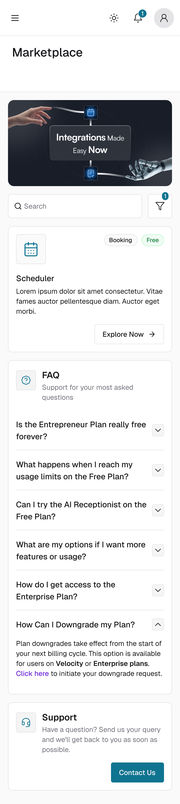
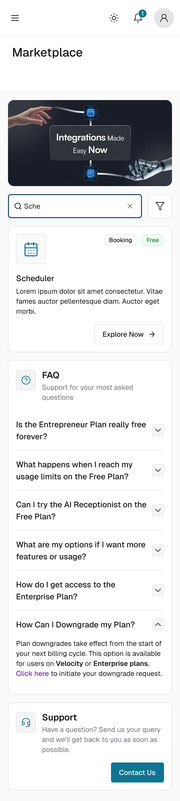
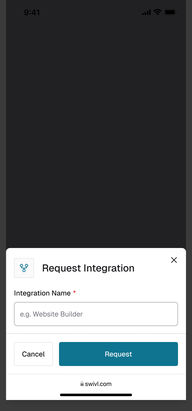
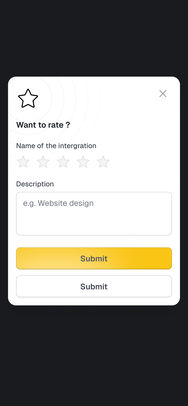
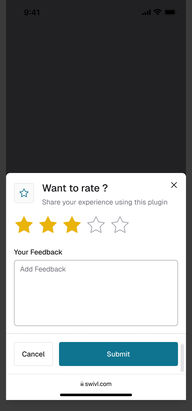
Prototype · Mobile webThe same on a phone
One column, the Sign Up button always at the top.
1
Copy the script
One line, generated for the widget you picked.
2
Paste it in
Drop it into your site and the widget is live. No dashboard tour, no setup call.
The install snippet: one script tag for the Swivl Scheduler.
The calls
Two decisions the whole marketplace rests on
01
Should people sign up just to look around?
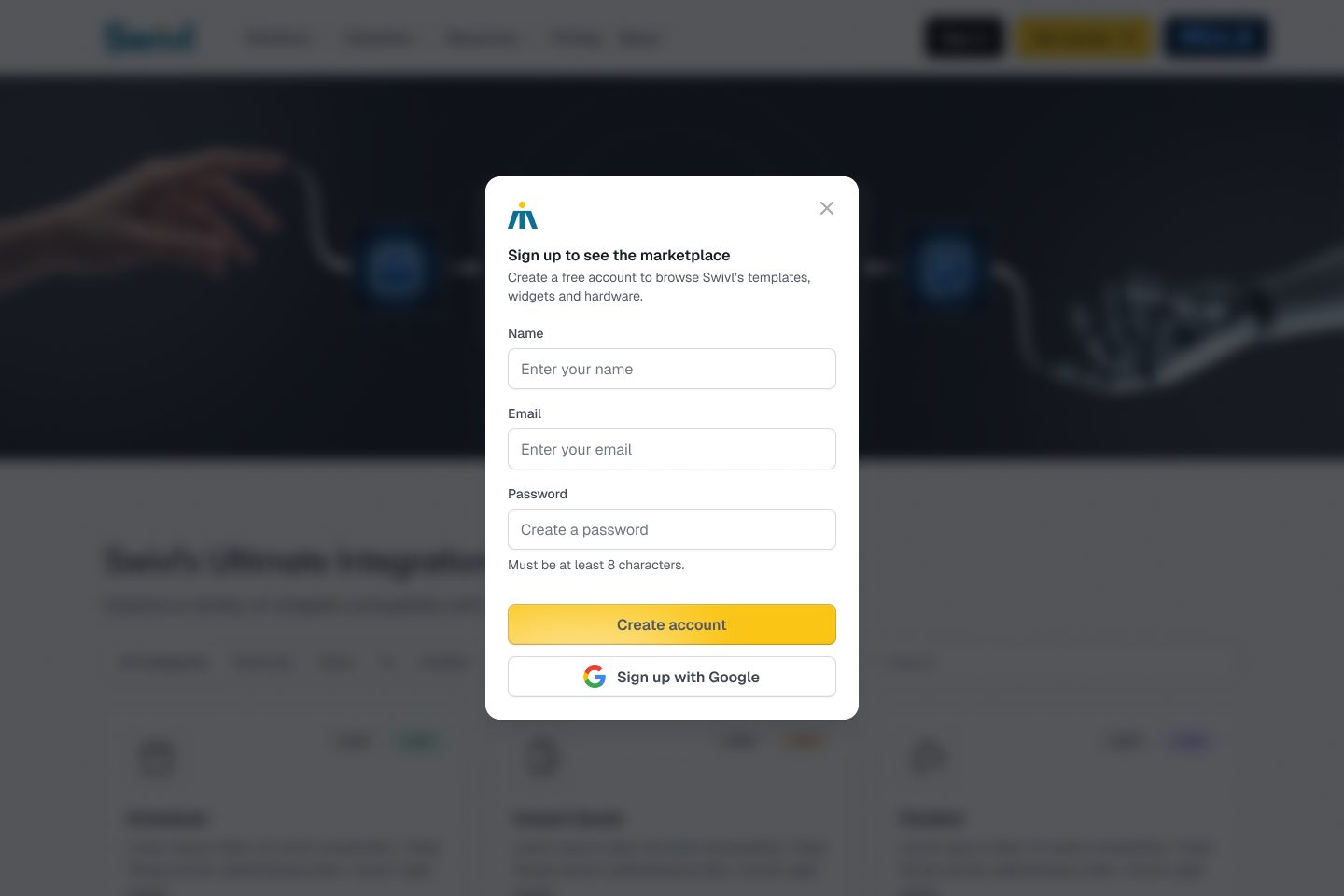
Ruled outSign up to look around
The shelf behind a wall: an account before a single product can be seen.
ShippedSee everything, sign up only to install
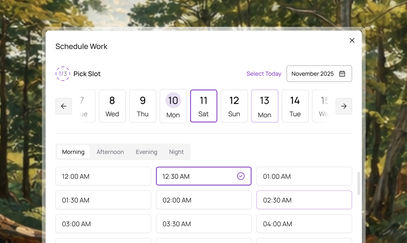
Browse, open any product, read all of it. A short, progressive form appears at install, and nowhere before it.
WhyEvery minute behind a login is a minute we can lose someone who was only curious. A wall this early costs the exact people the marketplace is trying to win.
What it costsVisitors who browse and leave stay anonymous. The product page has to earn the sign-up at the moment of install.
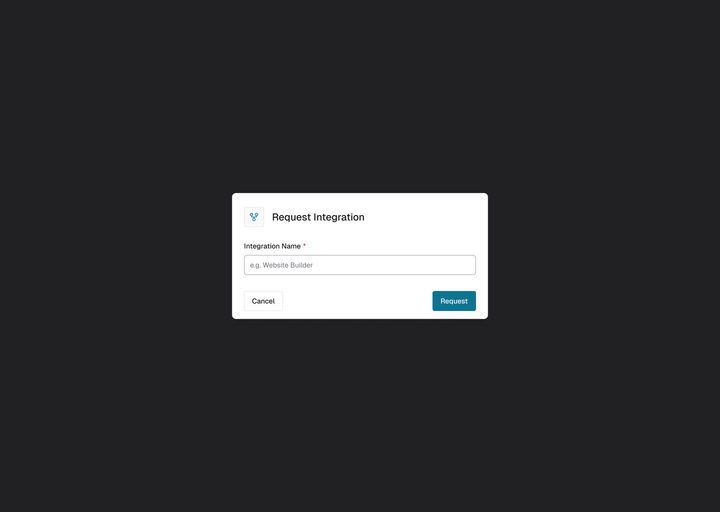
Ruled outShippedDrag to compare
Ruled outSign up before you can see anything: the whole shelf blurred behind the form.
ShippedThe shelf is open to everyone. Sign-up waits for the moment you install.
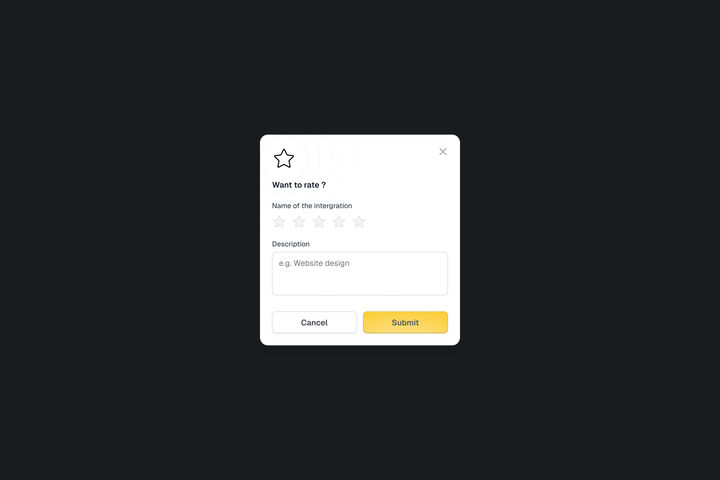
Redrawn for this case study with the design system’s own sign-up dialog over the real listing page.
02
How does a widget get onto a business’s site?
Ruled outA setup tour, or a setup call
Configure it in a dashboard, or talk to someone first.
ShippedCopy one script, paste it in
One line, generated for the widget picked, with Copy Script and Copy URL as the handles on the page.
WhyThe three catalogues compared all share one move: copy, paste, done. That became the bar for install.
What it costsIt assumes the business can paste one line into its own site.
Every screen, on one canvas
All 45: the two main pages, the listing page in every state on web and mobile, and the product page work in progress with its art. Pick a group to fly to it, or press the corner button to present it full screen.
Main Screen - All categoryScheduler - Details PageMain Screen - All categorym · ListingSelecting Individual Categorym · ListingMain Screen - All categorym · ListingBooking CategoryBooking Categorym · ListingModalm · Modalm · ListingMain Screen - Webm · Main ScreenSelecting Individual Categorym · Selecting Individual CategoryMain Screen - Webm · Main ScreenMain Screen - Webm · Main ScreenPopupm · Bottom SheetMain Screen - Segmented Tabs ScrollableScheduler - Details Pagem · Scheduler - Details PageScheduler - Details Pagem · If logged in or signed upModalm · ModalSchedulerSchedulerInstant quoteInstant QuoteChatbotChatbotAnalytics-seoAnalytics-SEOAnalytics-website builderAnalytics-WBMain Screen - Webm · Main ScreenPopupm · Bottom Sheet
Drag to move · Ctrl + scroll or pinch to zoom · double-click a screen to focus itSwipe sideways to move · pinch to zoom · ⤢ for full screen
05The effort
Prototyped, not pitched.
Five moves from a one-line brief to a working catalogue stakeholders could react to.
01 · Define
Define the problem. The problem and the requirement written down before a single pixel.
02 · One brief
One source of truth that the design and the build both came from.
03 · Cases
Pass or fail cases. The full flow written as cases, for validation and testing.
04 · Prototype
Something to react to. A working catalogue shared with stakeholders, not a slide.
05 · Decide
Move fast on everything except the decisions. Reviews came early; only the decisions took real time.
3Catalogues comparedVercel, Framer and Webflow, from “I want this” to live.
45Screens and statesThe listing and product pages, web and mobile.
2Moves to installCopy one script and paste it in.
0Sign-ups to look aroundEvery product and its whole page, before an account.
How it was checked
No usability study ran on this one. Here is what did.
Check
What it showed
What it set
Three catalogues compared
Vercel, Framer and Webflow all go from “I want this” to live with one move.
The bar for install: copy, paste, done.
Pass or fail cases, first
The full flow written as cases before a screen was drawn.
The flow was checked against written cases, not opinions.
A working prototype, early
Stakeholders reacted to a catalogue they could click, not a slide.
Reviews came early; only the decisions took real time.
Every listing state
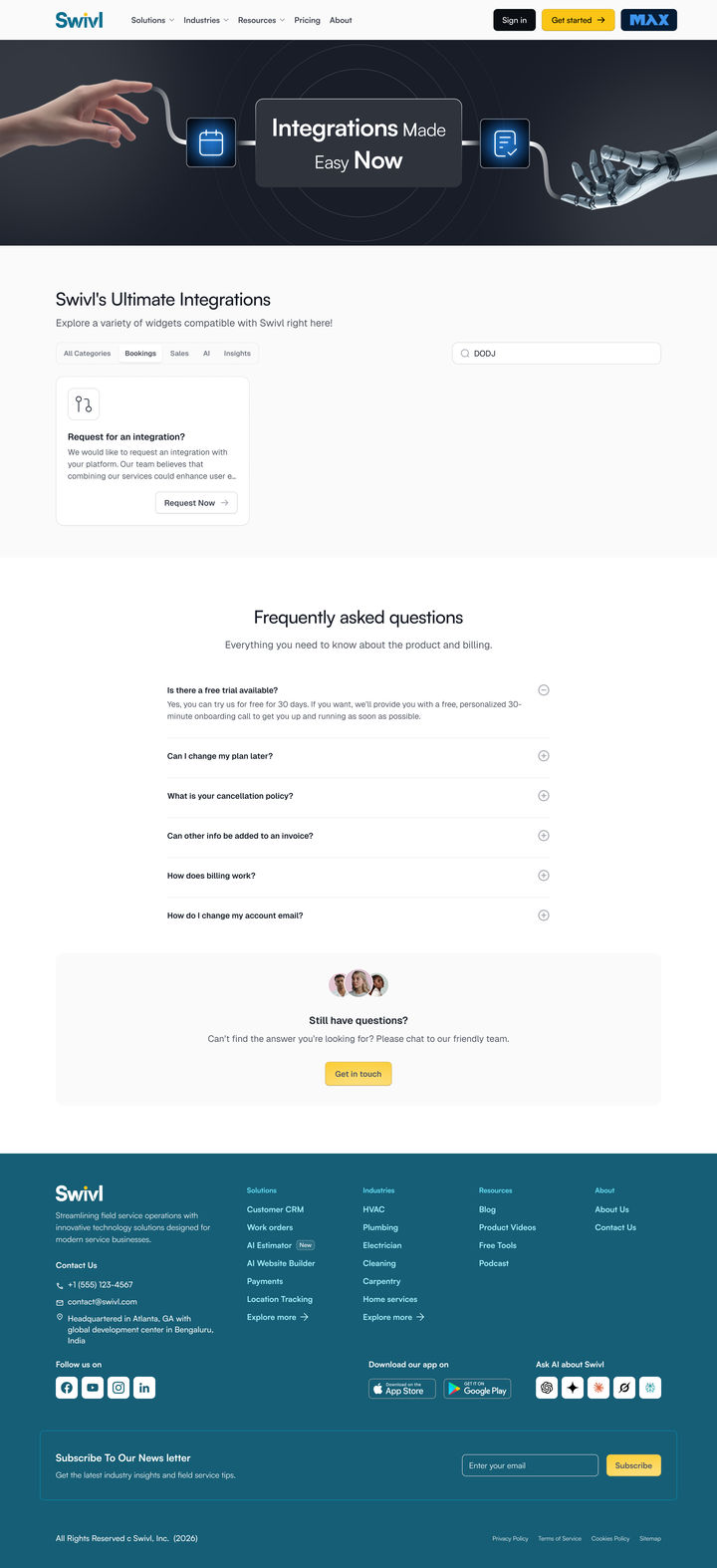
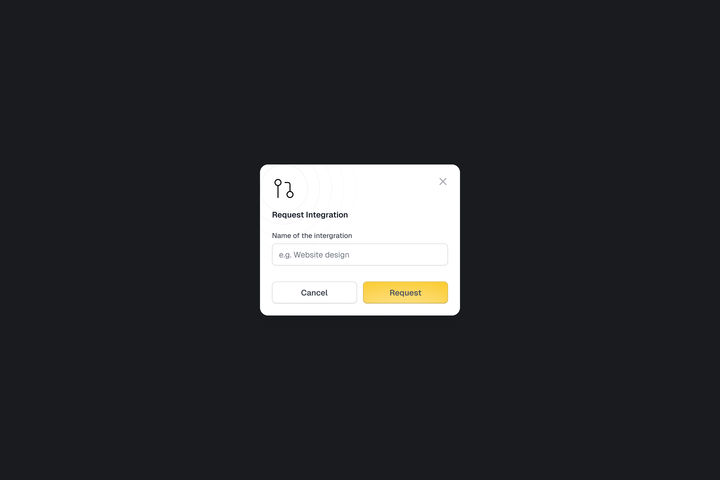
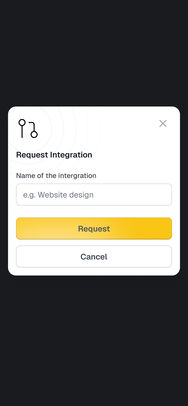
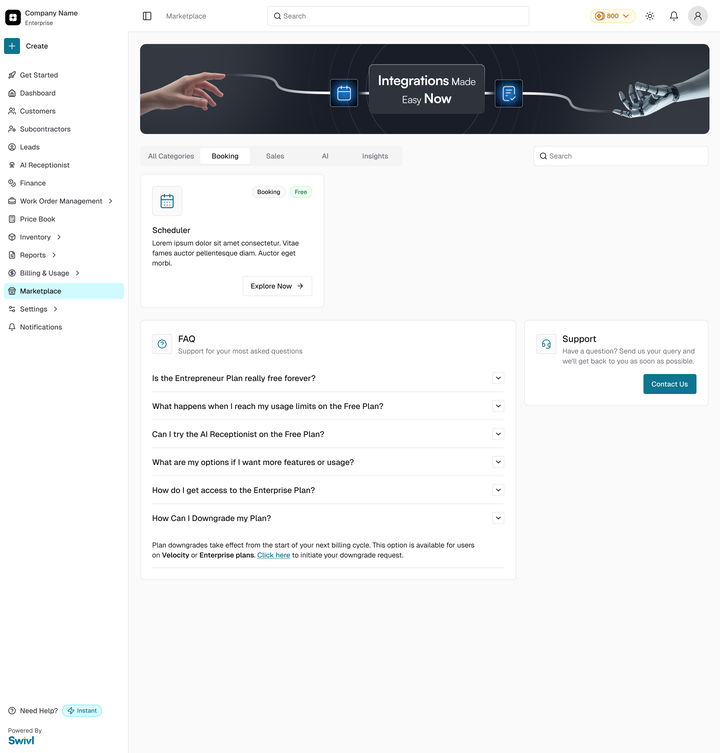
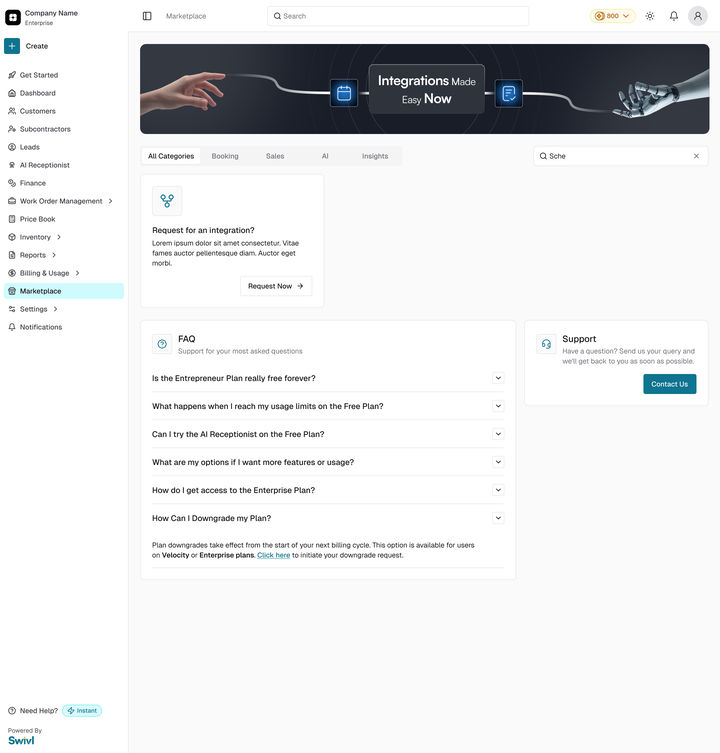
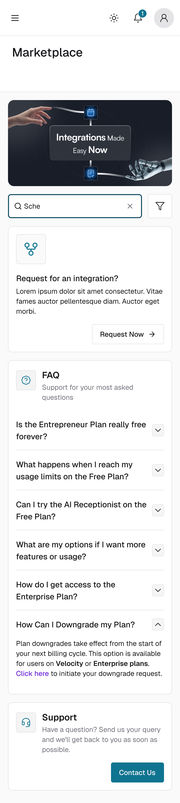
Categories, search, a search with no results, the modal and the bottom sheet, on web and mobile.
No dead end: a search with no results offers a way to request the integration.
06Business outcome
No different from the best. Just as easy to use.
This marketplace is not trying to be novel. It is trying to be obvious. The goal was defined up front, and the design meets each part of it. It is live; whether it moves installs has not been measured yet.
1
A catalogue anyone can browse, with no account, from the home page to every product’s full page.
2
Install in two moves: copy the script, paste it in.
3
One page shape for every product: gallery, how to use it, install, ratings and related items.
4
Sign-up at the moment it is needed: a short, progressive form at install, and nowhere before it.
5
A door for customers outside the plan: a business that does not want the AI Website Builder or a pro plan can install one widget, like the Scheduler, on its own.
The call I would defend: never gating the browse. Every minute behind a login is a minute you can lose someone who was only curious.
Looking back
What I would do again, and what I would change
Again
Borrow a pattern people already know. A catalogue for the shelf and a wardrobe for the product page decided what every screen was allowed to hold.
Prototype, don’t pitch. A clickable catalogue got sharper reactions than a deck would have.
Differently
Test install with someone outside Swivl. The marketplace is the door for businesses that skip the plan, but the copy-and-paste bar came from three catalogues, not from them.
Name the success measures with the build. Installs per visit and sign-ups at install would say whether the open shelf pays off.


 Ruled out
 Shipped