AI Website Builder: Let the AI build it. Do not let it design it.
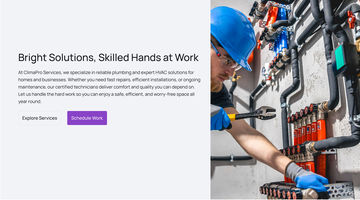
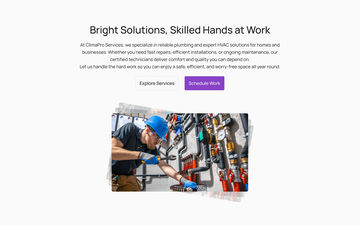
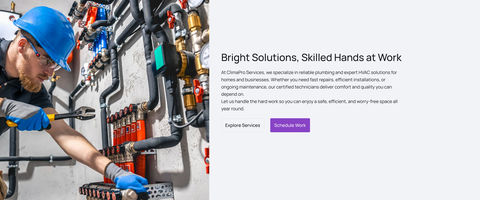
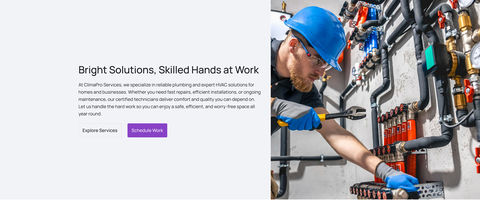
Swivl’s AI Website Builder makes websites for plumbers, electricians and other home-service businesses. I designed the building blocks it uses, so every site it makes looks good from the start.
My roleSole product designer
ClientSwivl, local trade businesses
ScopeTemplates, the builder, booking
ShippedV1 in 2025, with engineering
vezign.online/ai-website-builder · the builder
FilmThe builder, making a site
A minute of the builder putting a plumbing and HVAC site together from the templates. Press play to watch. Every screen it uses is further down.
The problem
Templates break once a real trade business pours its content in, and a free-form AI generator breaks in a new way every time.
What I did
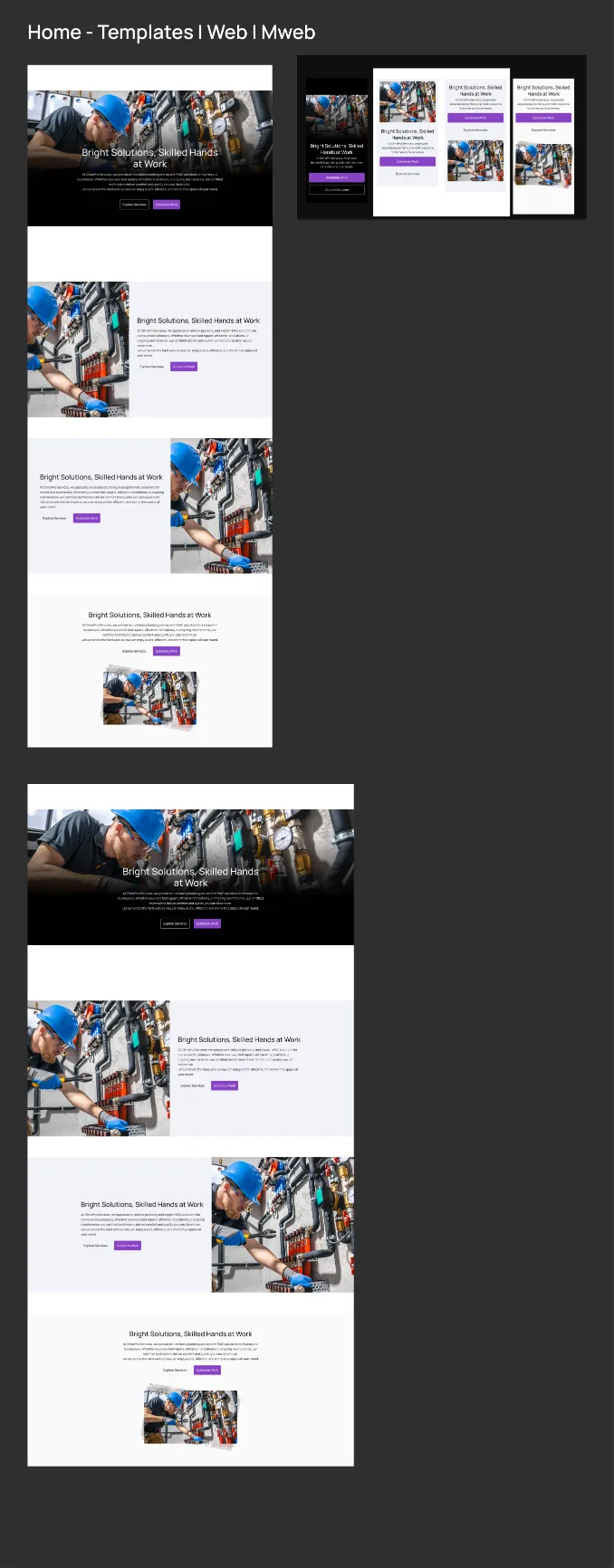
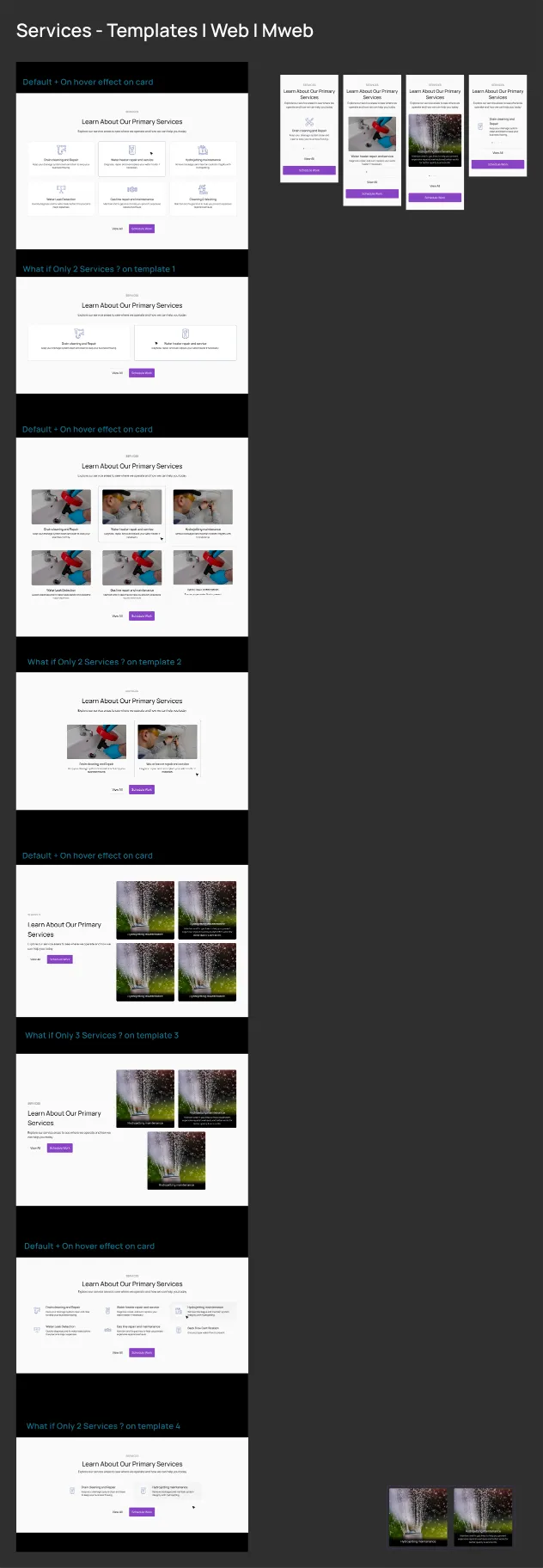
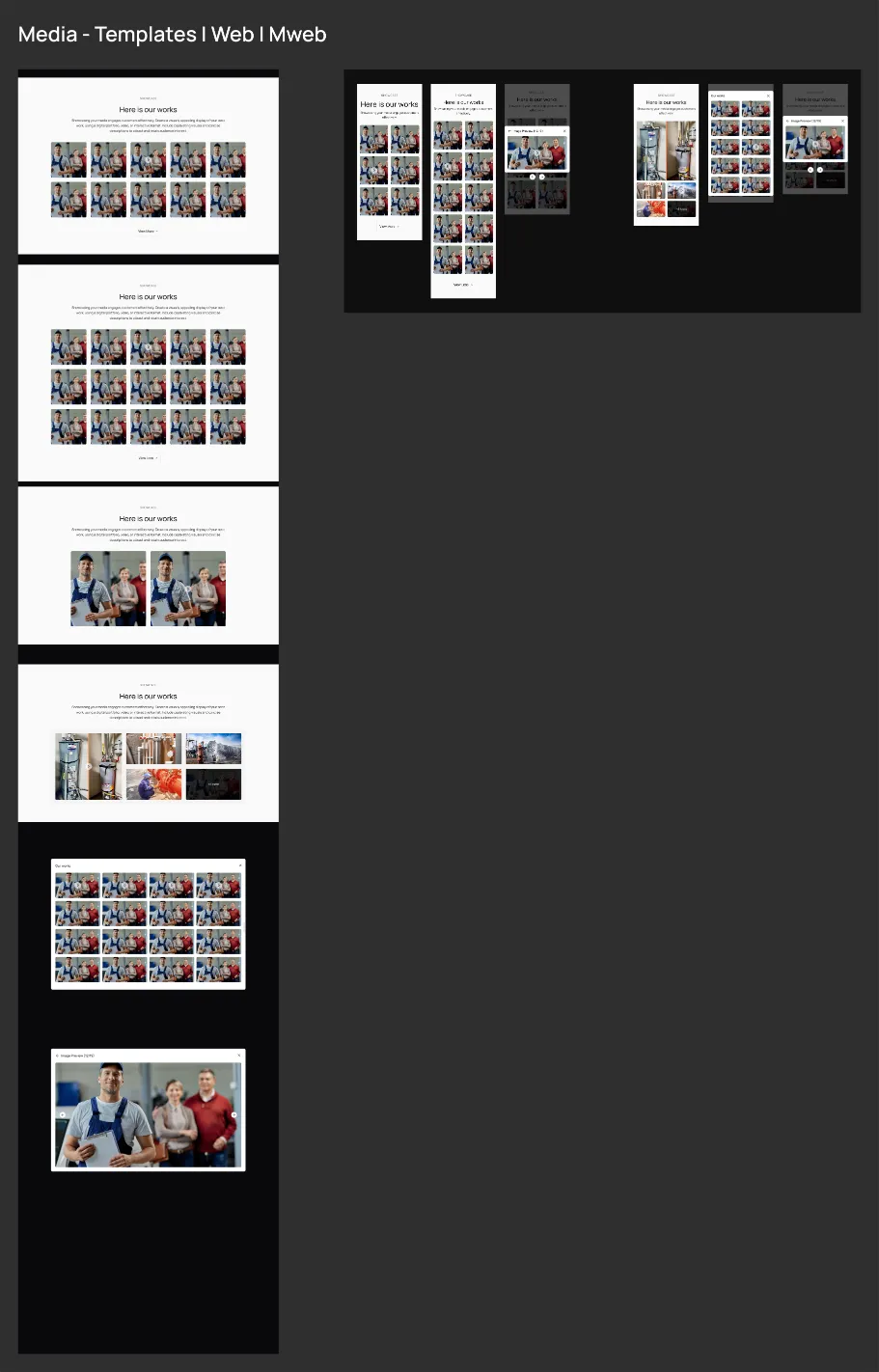
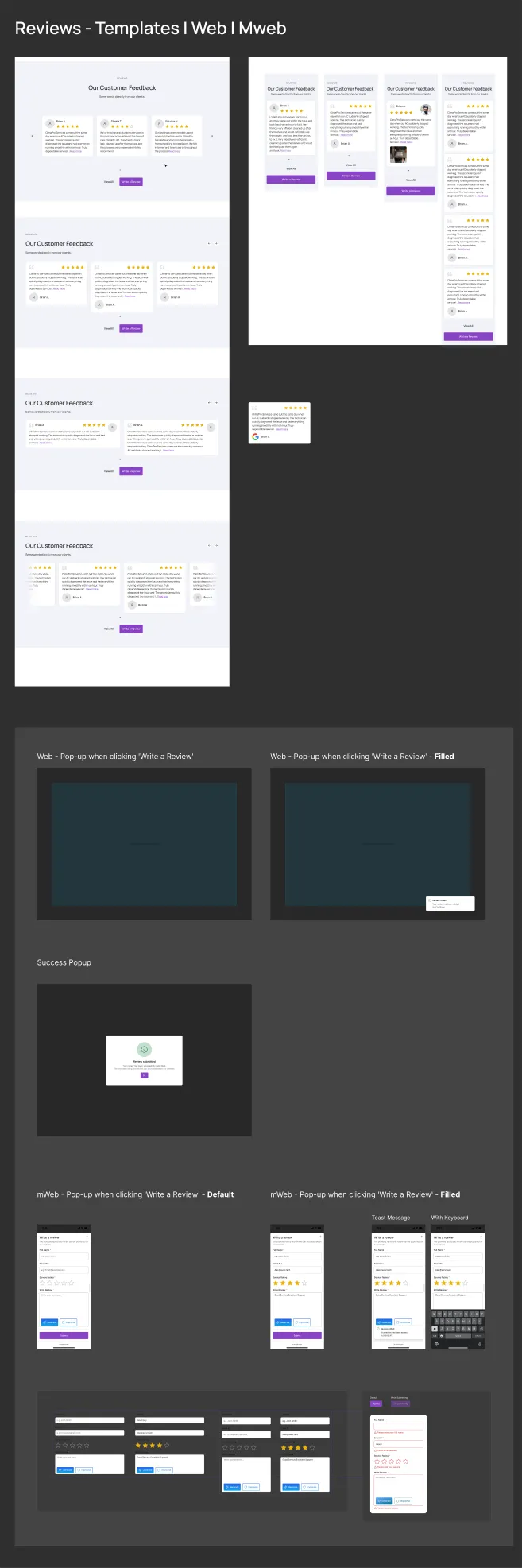
As the sole product designer, drew the boundary the AI works inside: 38 layouts across ten sections, six colour themes, the builder and the booking flow.
The result
Shipped as V1. Every page the AI assembles is one a designer approved: 3,145,728 possible pages, 38 layouts to review.
01The core screen
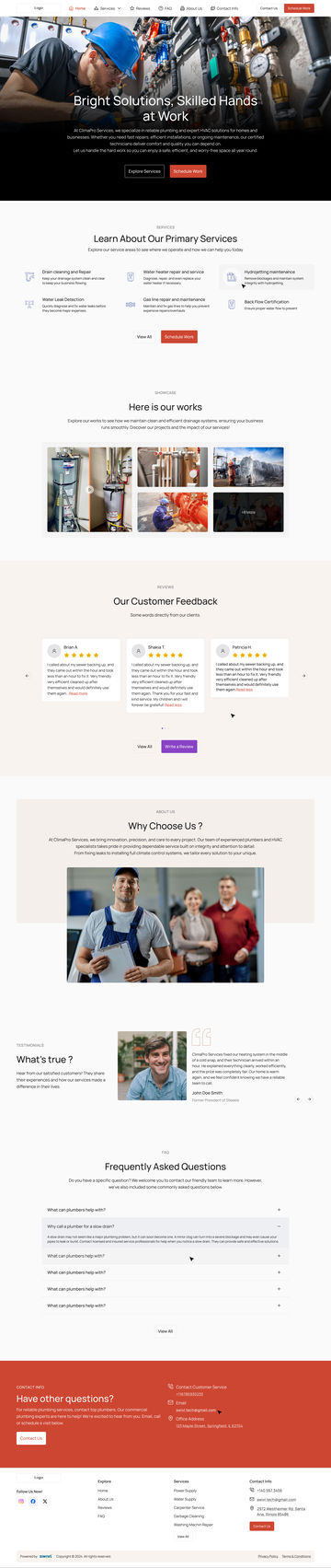
One page, ten picks, already approved.
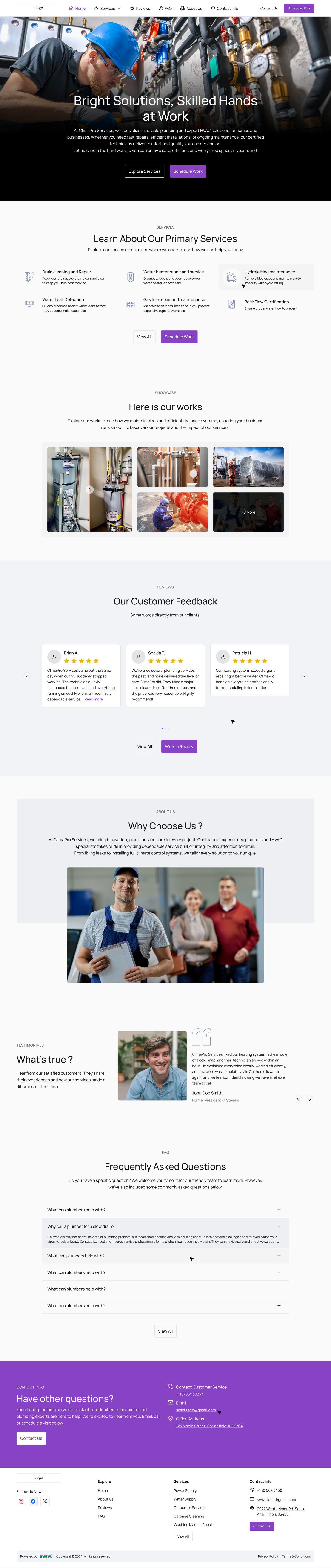
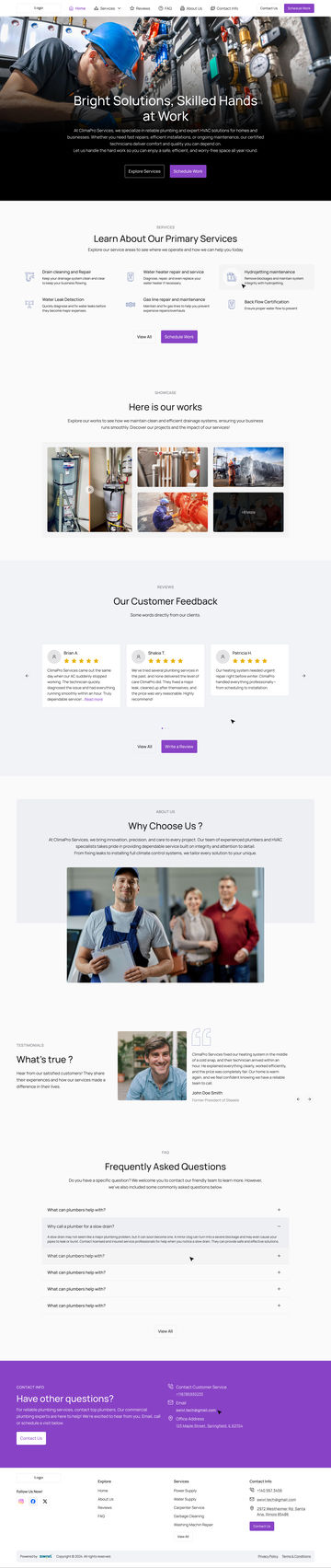
A complete site as the builder assembles it: ten sections, each a layout I drew and checked. Scroll inside to read it all.
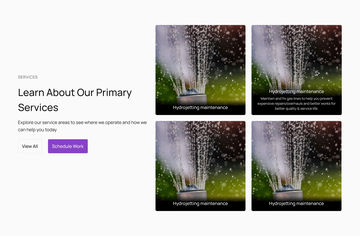
A plumber has job photos and no idea what a grid is. Most templates expect six services and professional photos. Add only three services and there is a gap. Use a dark photo and the headline disappears.
What it was
One template, real content
Built for six services and professional photos, then filled by a business with three services and a phone camera.
→ It breaks in a new way every time.
What it became
A set of pieces, every mix checked
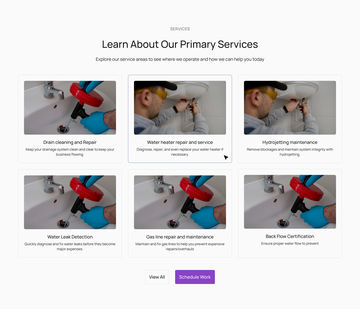
Ten sections and 38 layouts, four for most and two for Media, made for the business with great photos or none, two services or eight.
→ One more layout, one more check.
Before and after
The same business, poured into one template, then into the system
BeforeAfterDrag to compare
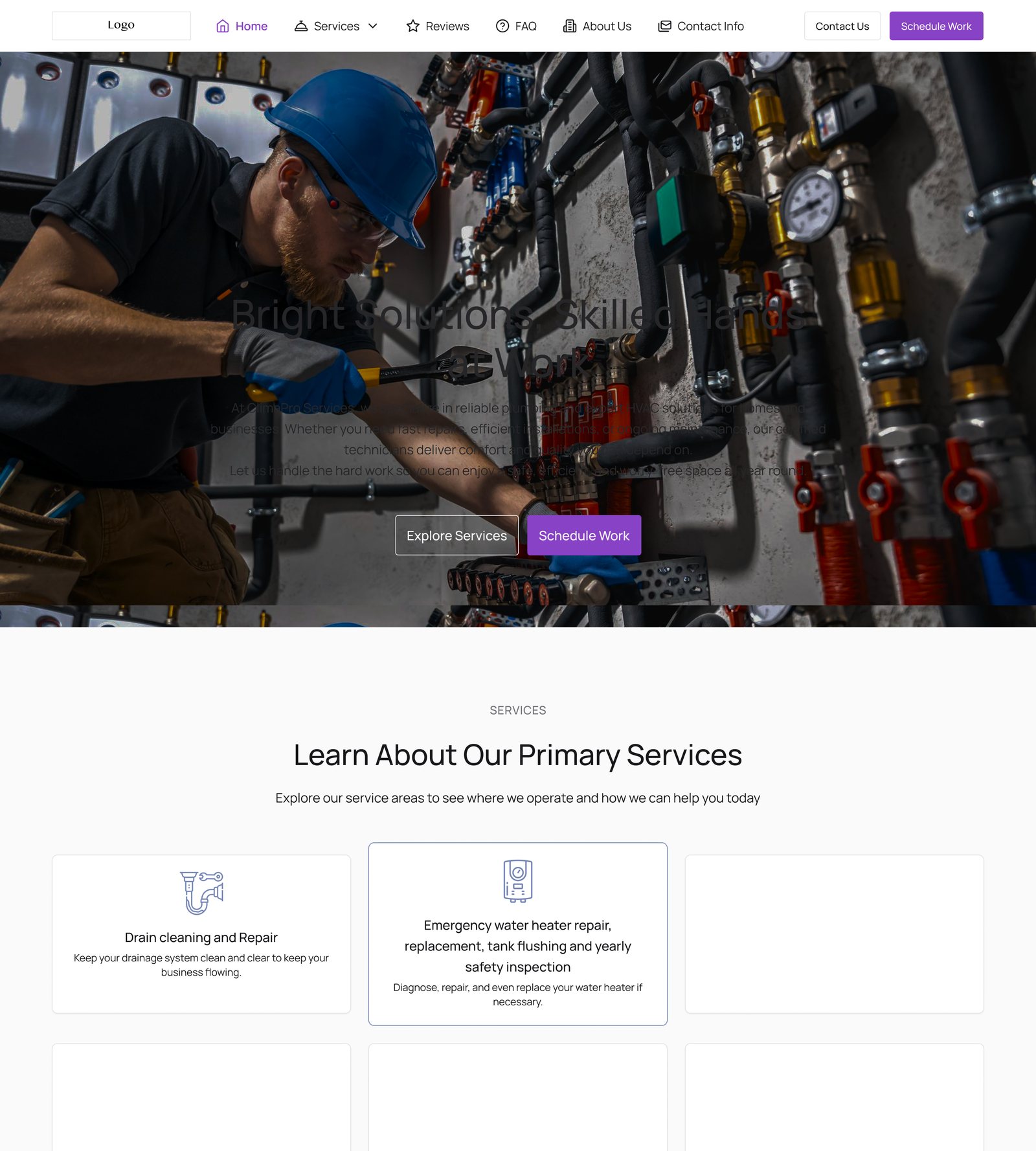
BeforeA dark photo swallows the headline, two services leave four holes, and a long service name breaks its row.
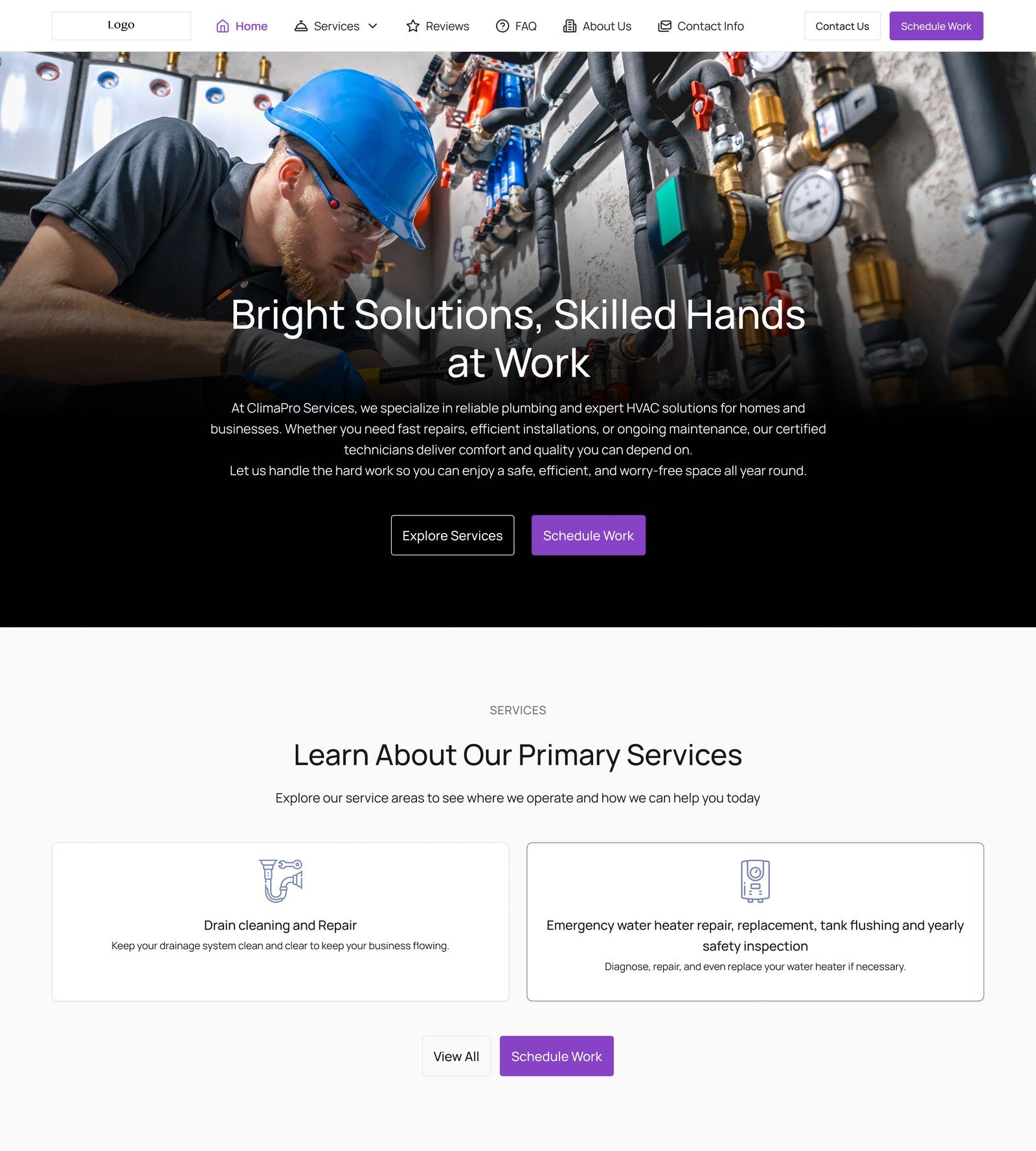
AfterThe same words and photo in layouts drawn for this case: a scrim under the headline, a Services layout made for two.
Both built for this case study in Figma from the real AI Website Builder templates, broken the way real content breaks a template.
03Ideation
The AI writes the content. It never touches the layout.
If the AI designs freely, it breaks in a new way every time and nothing catches it. So I designed what can change, what stays fixed, and where the AI gets a say.
The one rule
I designed the layout, spacing, type and colours, and locked them. The AI only fills in words and images, in spaces already made for them.
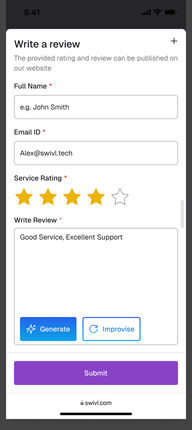
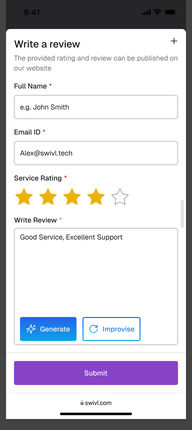
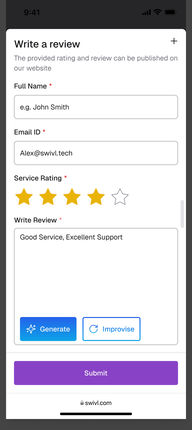
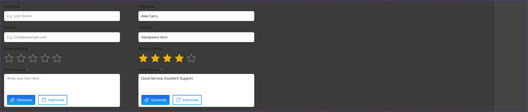
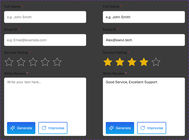
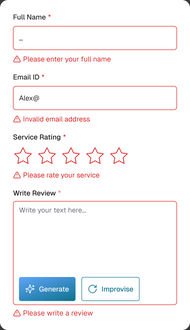
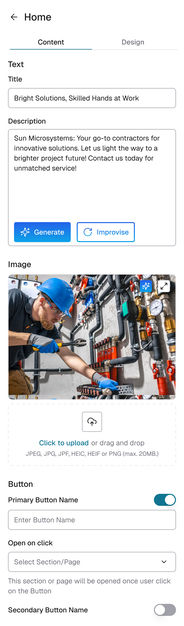
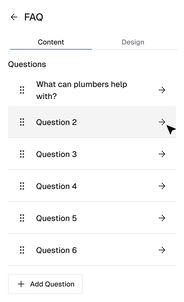
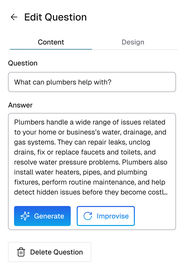
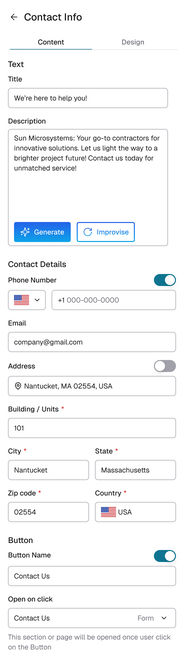
The same two buttons, Generate and Improvise, sit on every text field, so people only learn them once.
What the AI does
Writes headlines and text with Generate, rewrites existing text with Improvise, and suggests different images.
What stays locked
Which layouts exist and how each is built; page width, margins and columns; font sizes and spacing; colours and text contrast; every hover, pressed and disabled state.
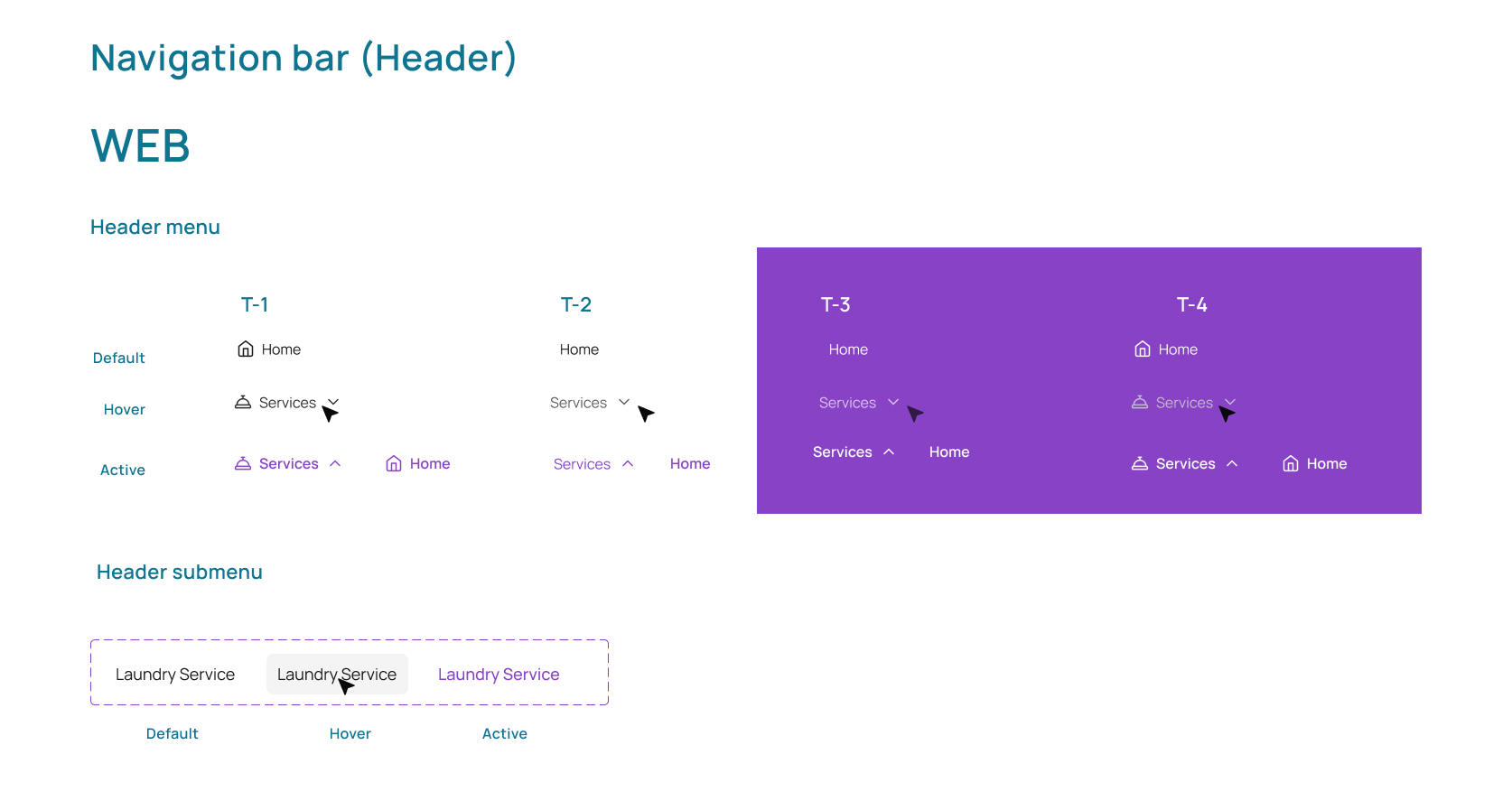
HeaderT1
HeroT1
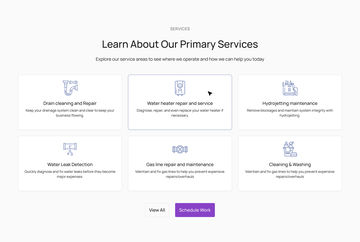
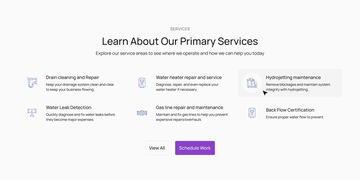
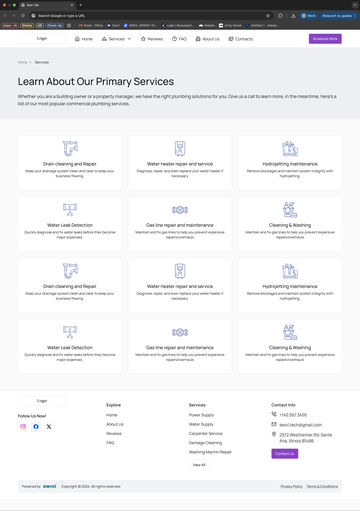
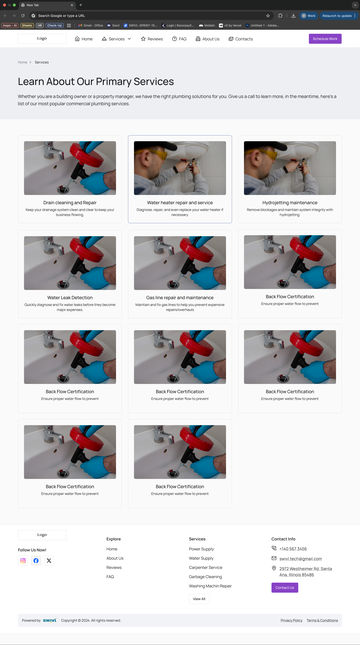
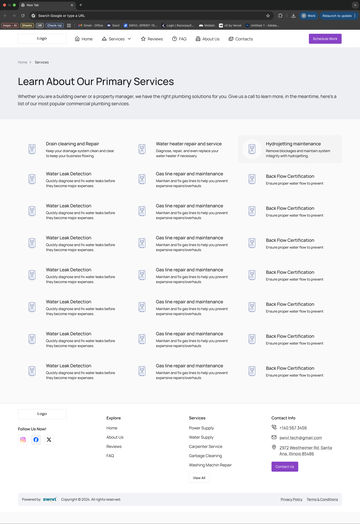
ServicesT4
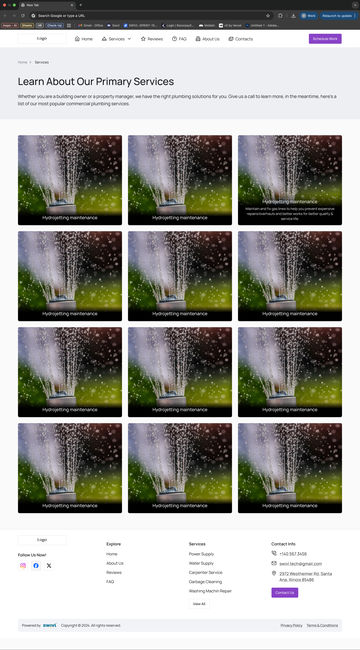
MediaT2
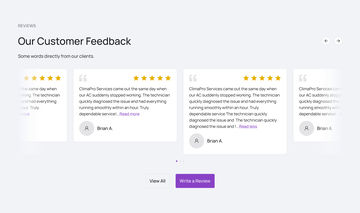
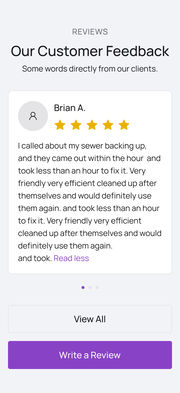
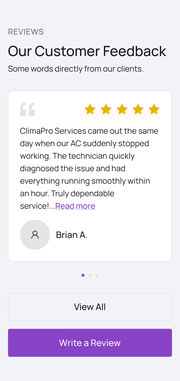
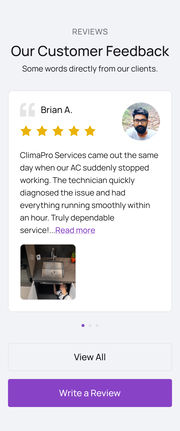
ReviewsT1
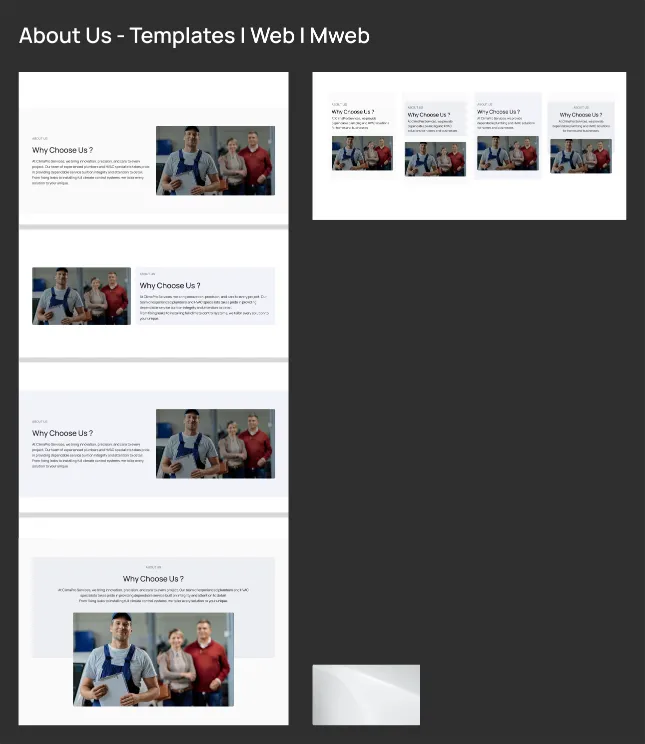
AboutT4
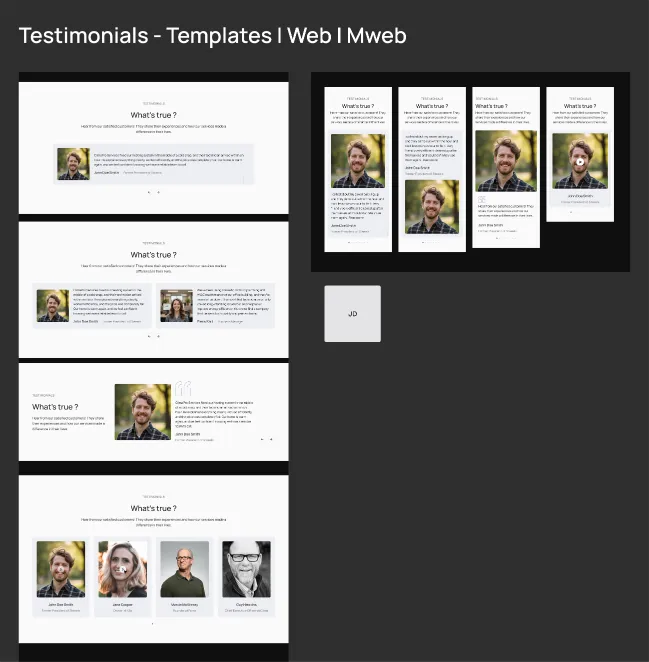
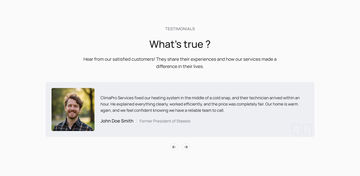
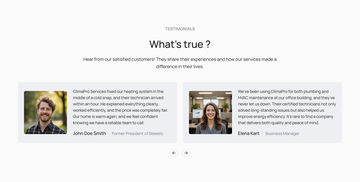
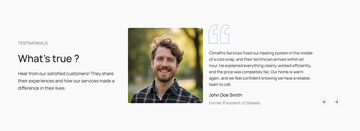
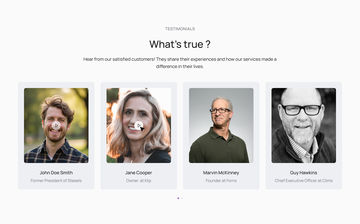
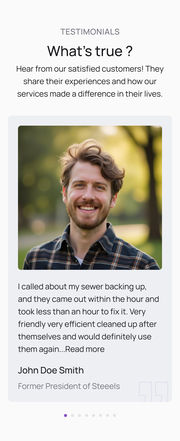
TestimonialsT3
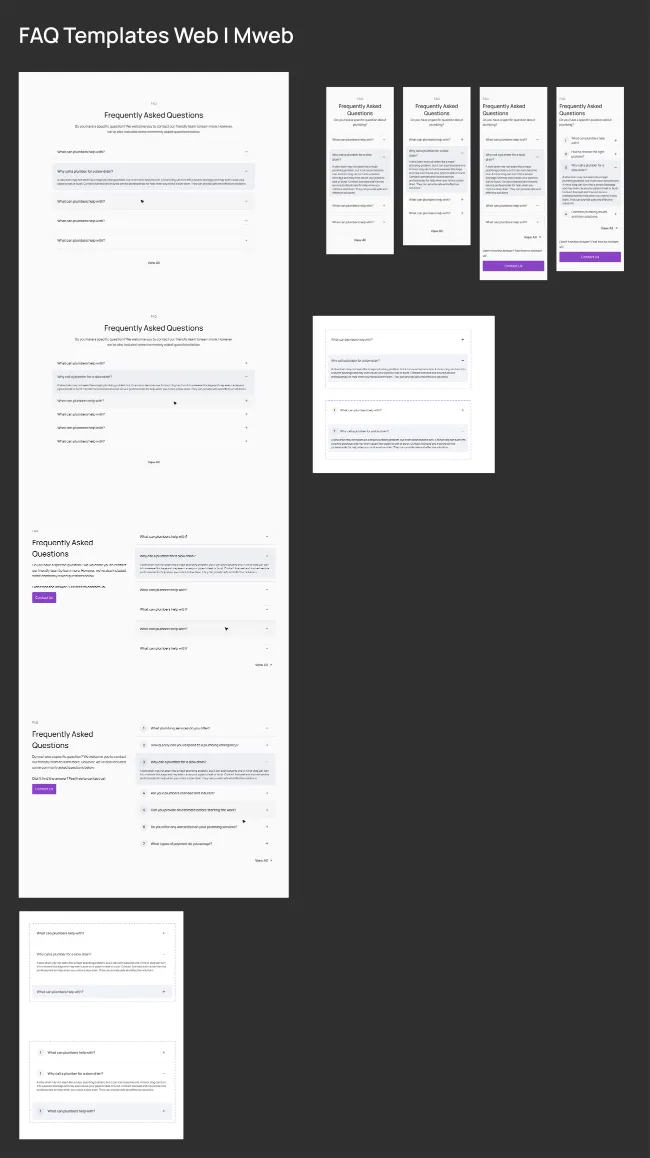
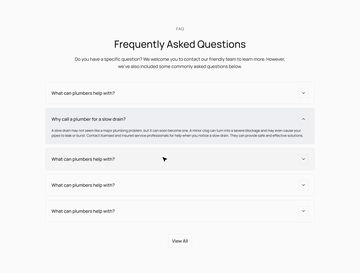
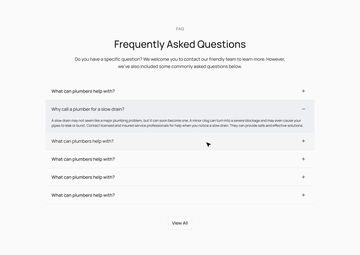
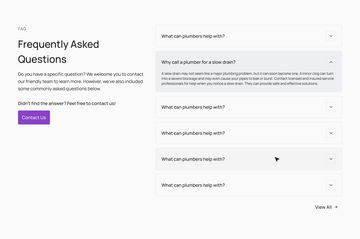
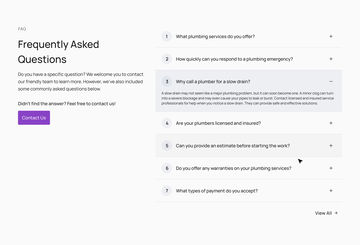
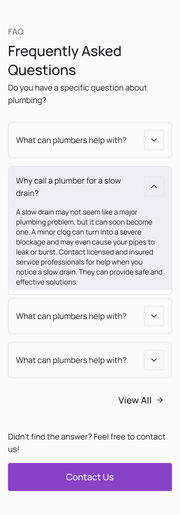
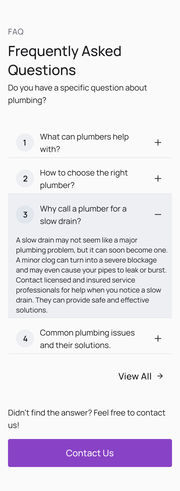
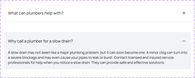
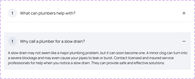
FAQT2
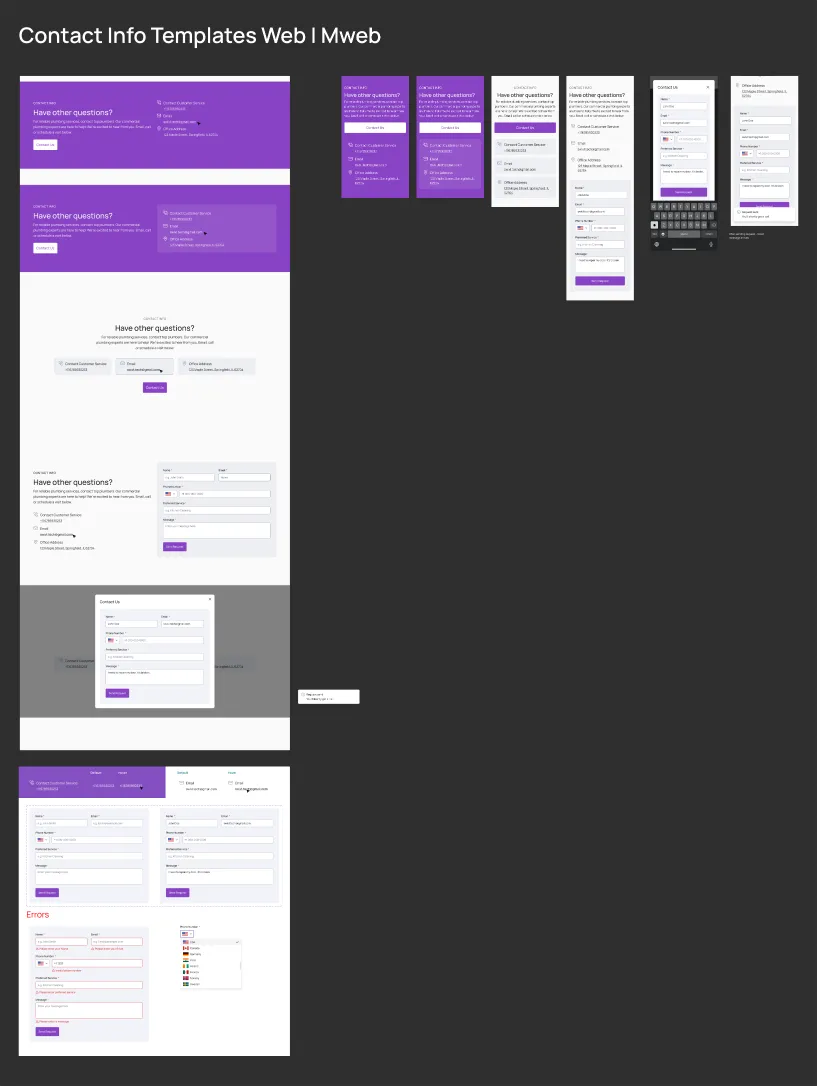
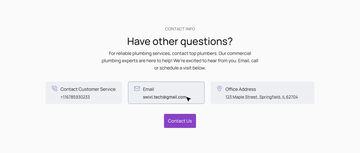
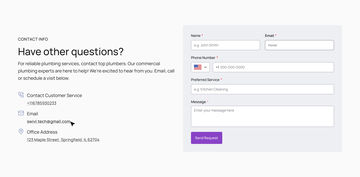
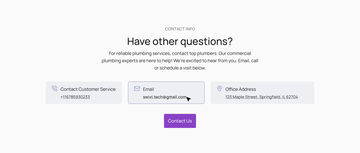
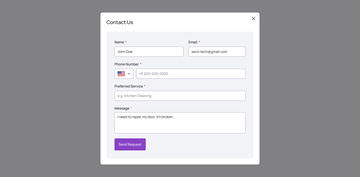
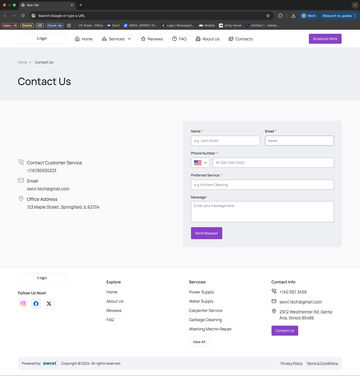
ContactT1
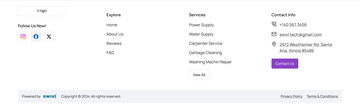
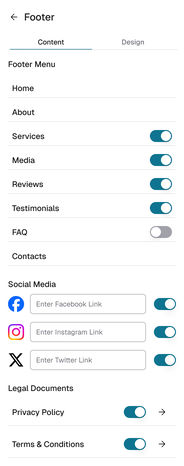
FooterT3
RecipeOne sample page, ten picks
Each section is always one of the 38 layouts I drew and checked, so the layout of every page is already approved.
6Six servicesThe easy case every template is designed for: two rows of three.
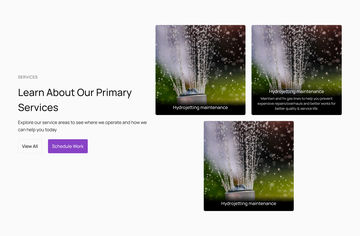
3Three servicesTwo on top, one centred below: the case that shows whether a template feels finished.
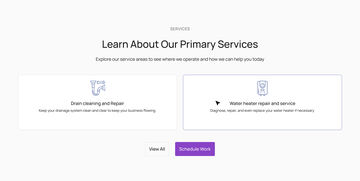
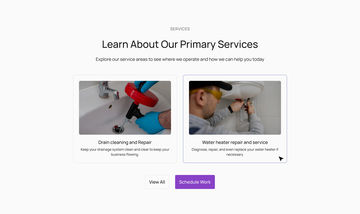
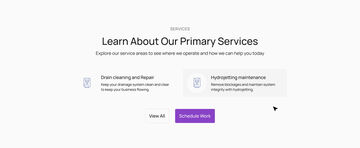
2Two servicesTwo side by side, so a small business still gets a page that looks planned.
SystemColours and fonts
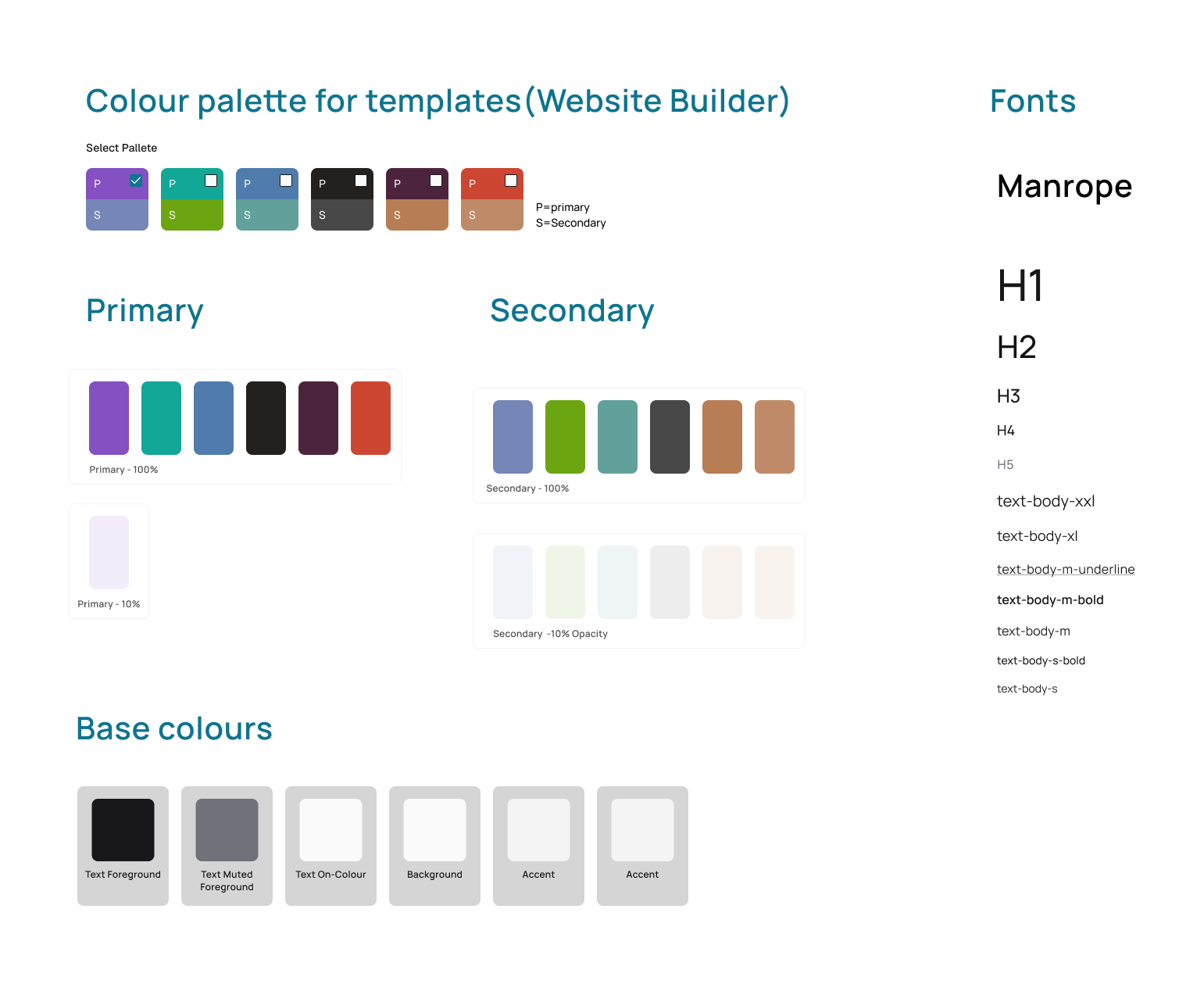
Six primary and secondary pairs, the base colours, and Manrope from H1 down to the smallest body size.
What a theme changes
Button colours
The big call-to-action band above the footer
One light background tint
Link colour and the logo
What never changes
Layout, grid and section order
Background, card, border and text colours
Fonts, spacing and corner shapes
Star ratings and status colours
The calls
Three decisions that shaped the system, and what each costs
01
Who designs the page?
Ruled outA free-form generator
The tempting answer: let the model lay out each site from scratch.
ShippedA bounded vocabulary
38 drawn layouts the AI assembles in any order, every combination already checked.
WhyA template fails predictably, so it can be fixed once. An unbounded generator fails differently every time, so it can only be supervised, and across thousands of small businesses supervision is the whole cost.
What it costsA page can only be as varied as the library. Something new means drawing and checking a new layout.
02
How many headers and footers to draw?
Ruled outFour hand-drawn ideas each
Four headers and four footers, each its own composition.
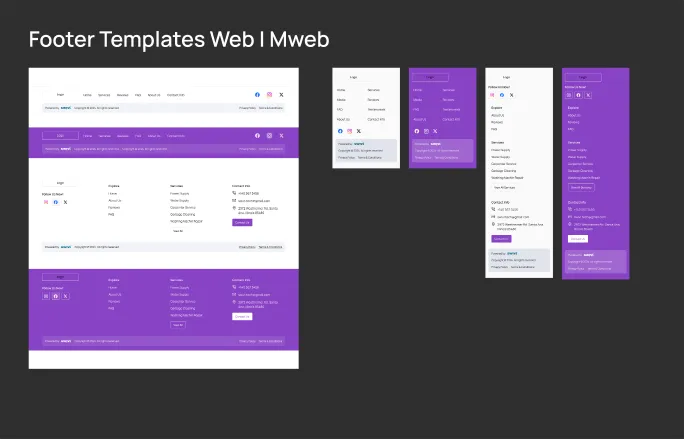
ShippedTwo axes, applied twice
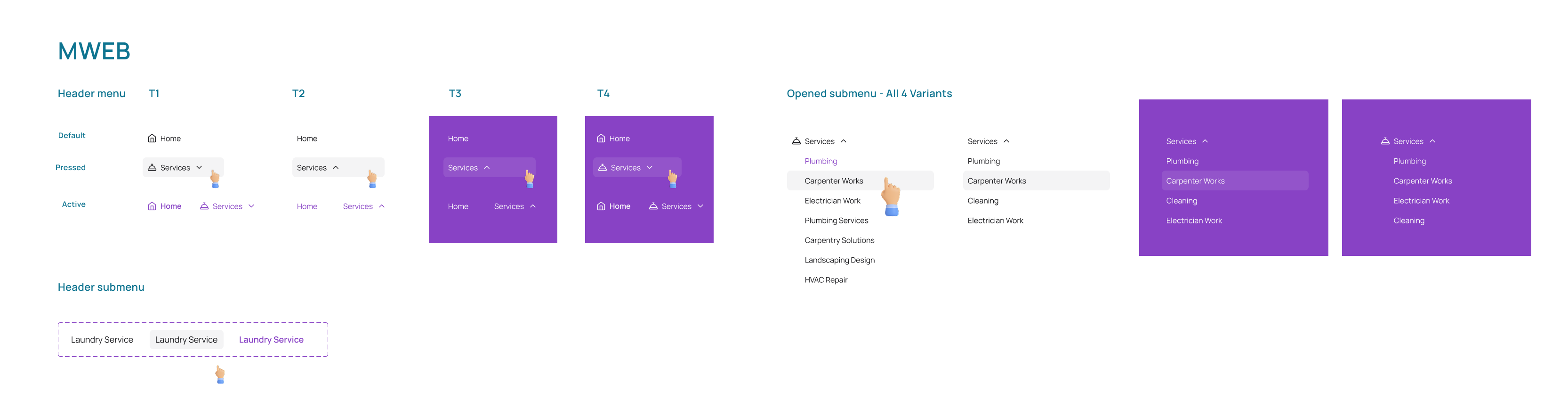
Icons or text-only nav, white or brand ground: one rule, eight correct variants.
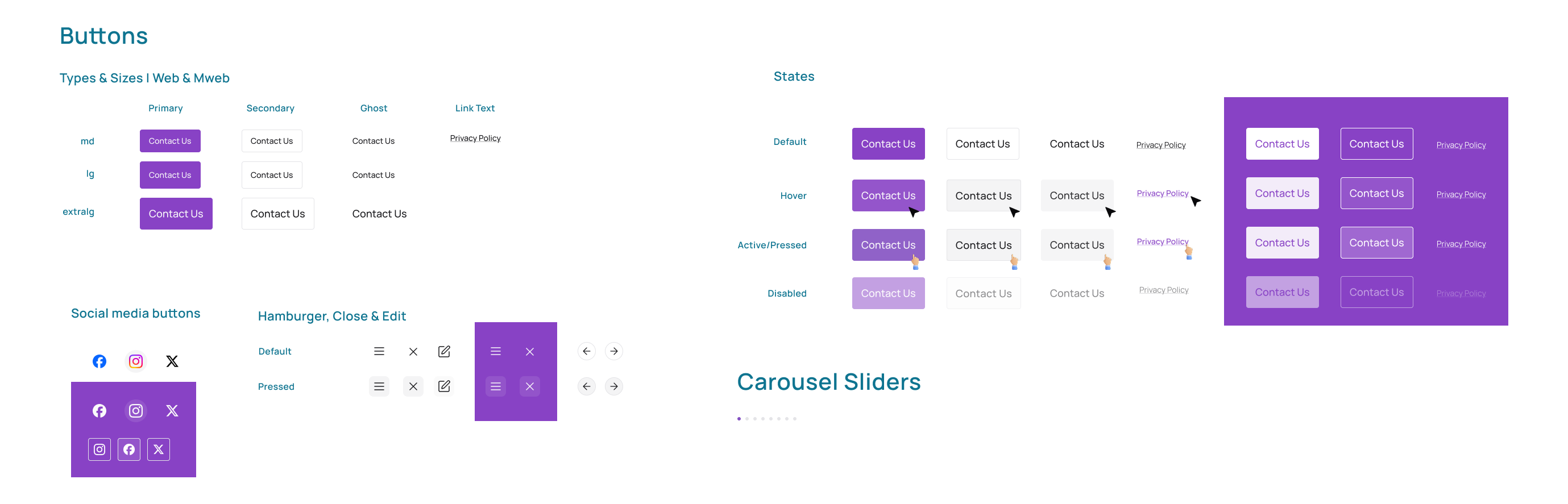
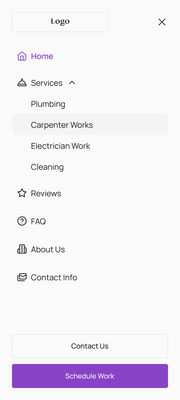
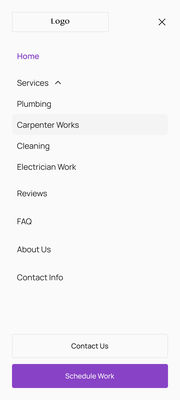
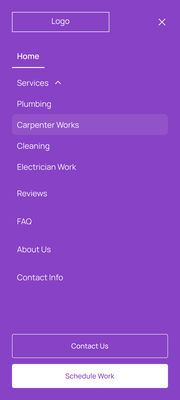
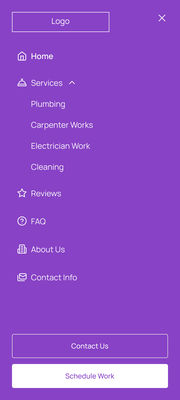
WhyA rule is cheaper to extend than four comps and impossible to get inconsistent. On the brand ground, button fills, borders and the active underline flip together, so the hierarchy holds.
What it costsNo one-off header for a business that wants something different.
03
What happens to the words on a phone?
Ruled outReflow the desktop text
The same paragraph, wrapped narrower at 360px.
ShippedRe-author it for the width
The hero paragraph is replaced by a shorter one written for a phone; every section has its own mobile version.
WhyResponsive is a content decision too: a paragraph written for 1440 is not the paragraph a 360px screen needs, and wrapping it only pushes the call to action further down.
What it costsTwo versions of some copy to keep in step.
04The solution
Ten sections, 38 layouts, every mix checked.
38 layouts, six colour themes and a builder with no prompt box. The AI fills the words and the images; the layout is already approved.
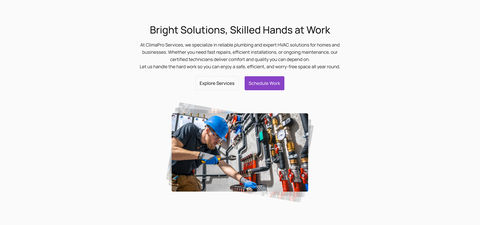
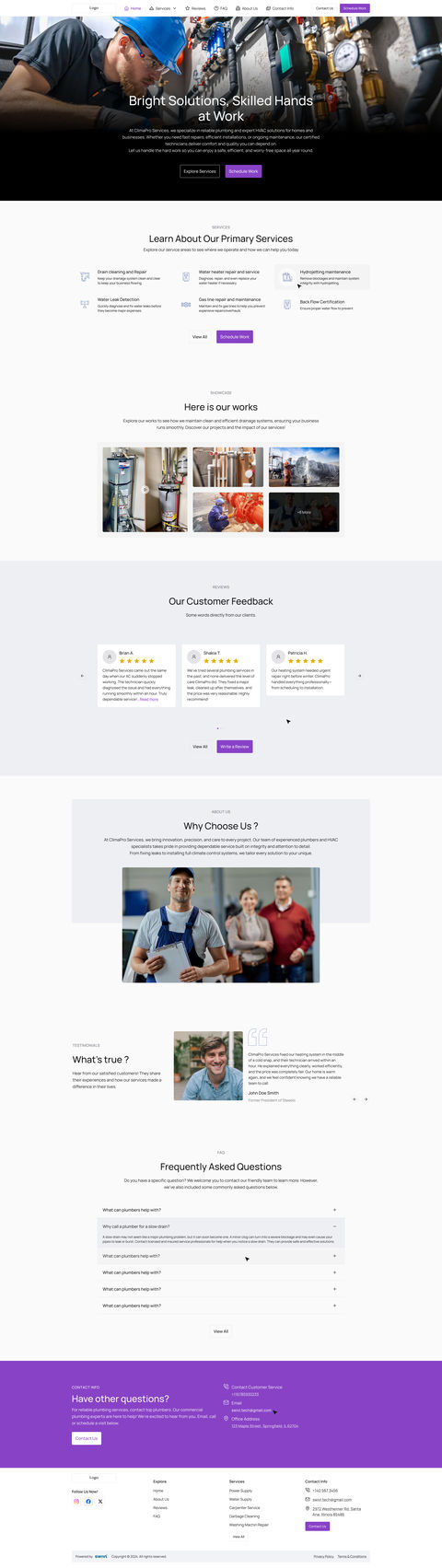
climapro-services.swivl.site · prototype
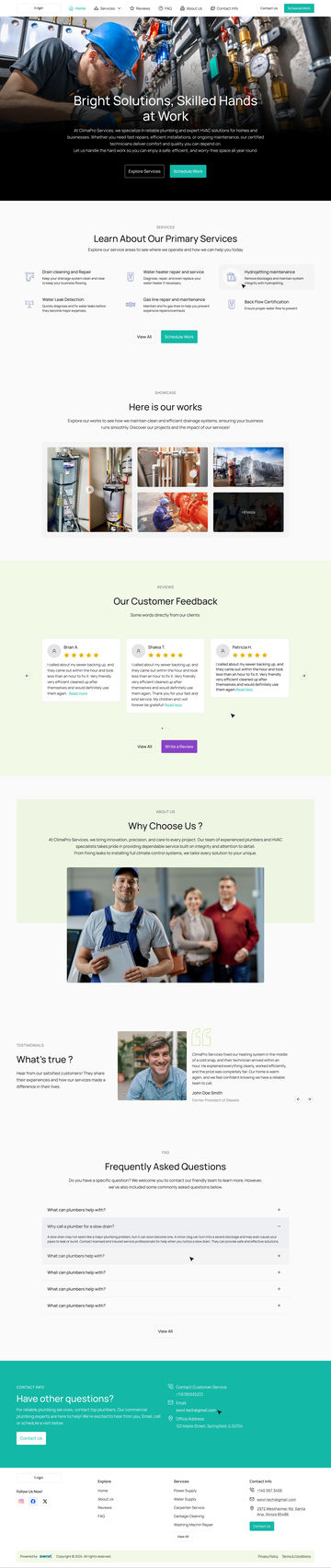
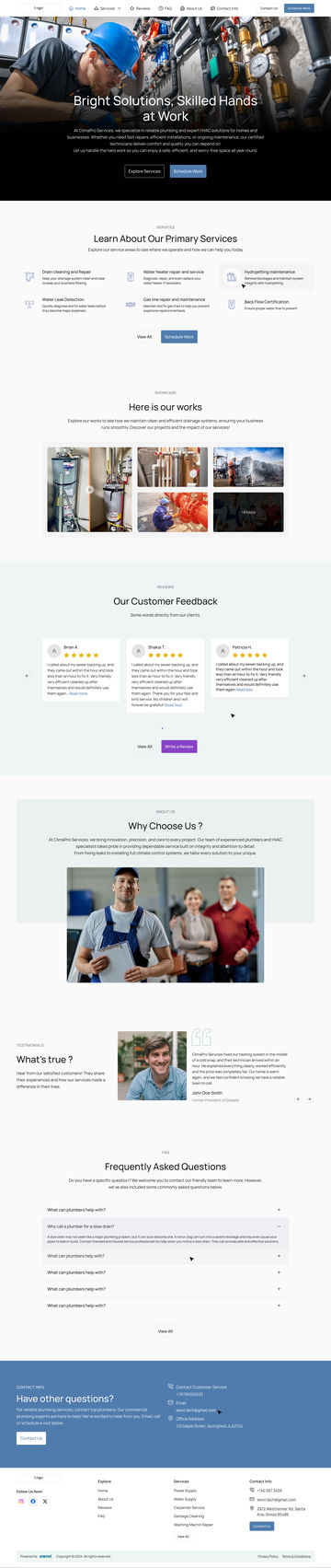
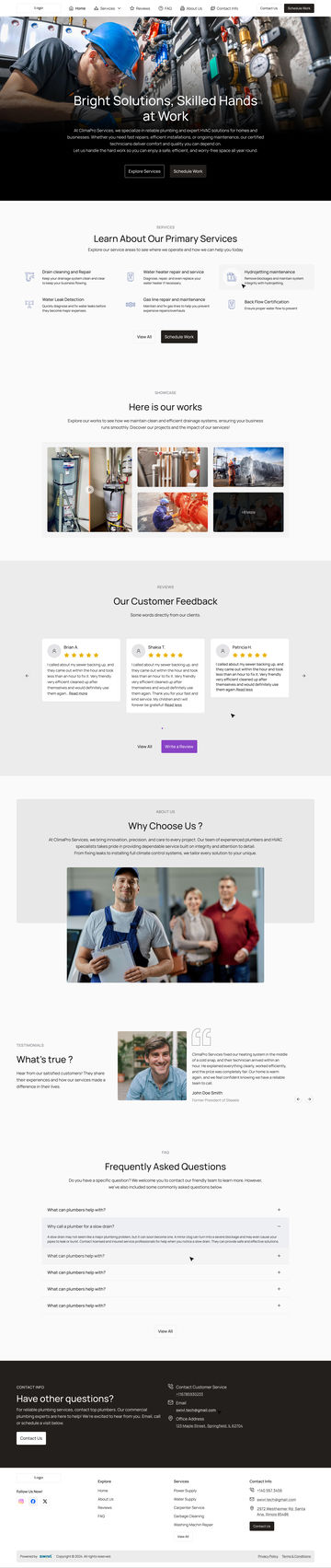
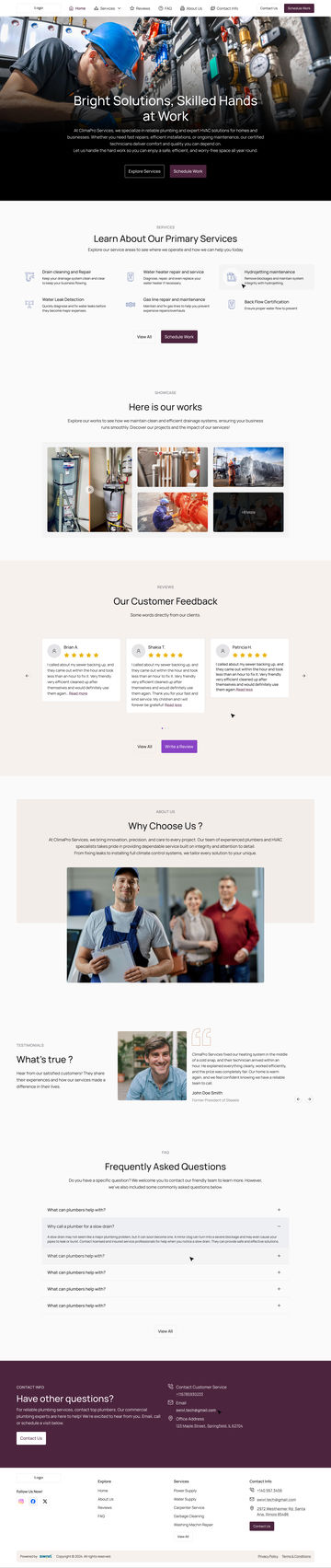
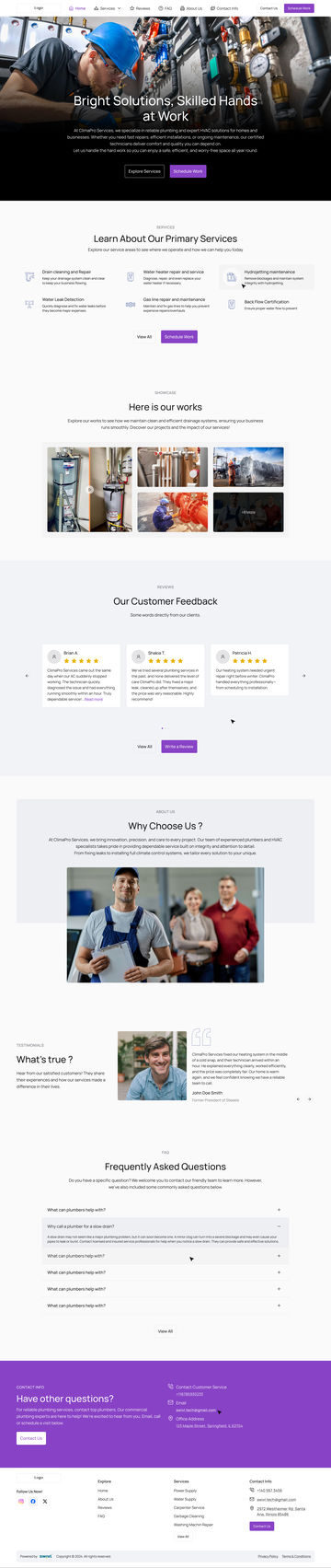
Prototype · The siteOne layout, six colour themes
The page scrolls top to bottom, then the same page changes theme at the contact band: violet, teal, blue, near-black, plum, terracotta. Nothing moves but the colour.
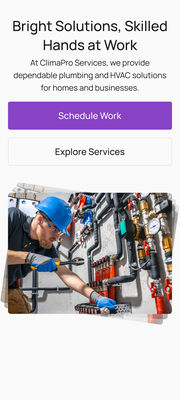
Prototype · PhoneThe same site at 360px
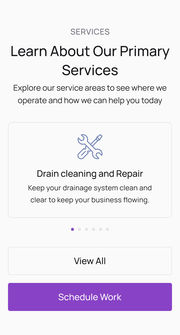
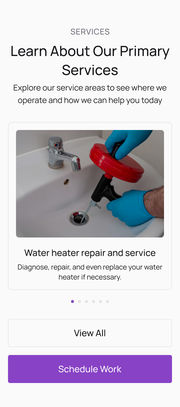
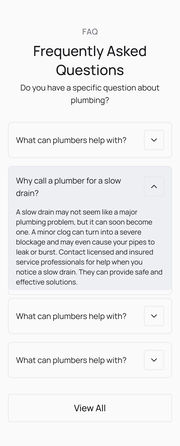
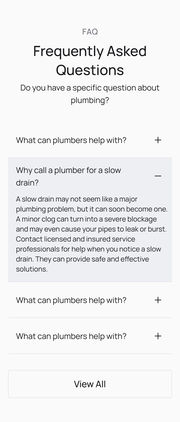
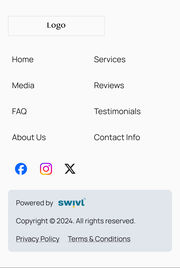
Every section has a mobile version, checked on a phone.
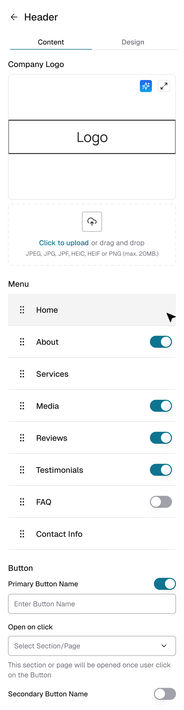
Prototype · BuilderThe owner’s side: one panel a section
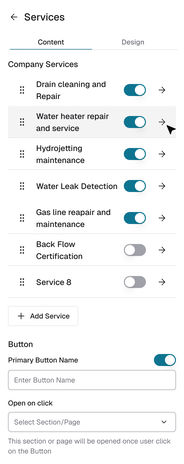
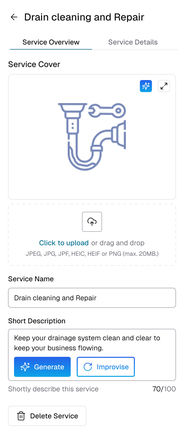
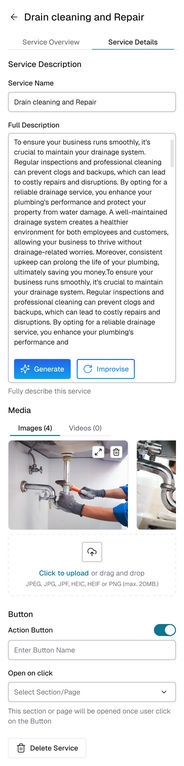
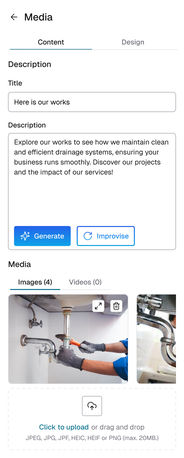
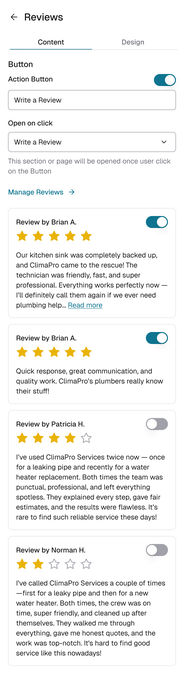
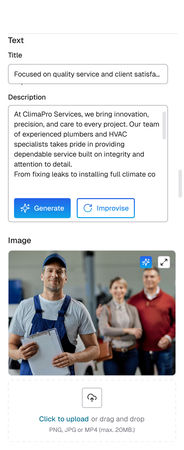
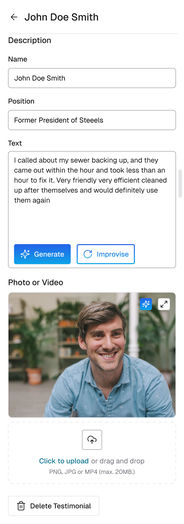
No prompt box. Generate and Improvise sit on every text field.
01
AI help sits on each field
Generate and Improvise appear only on text and image fields, so people always know what the AI is about to change.
02
Buttons link to sections, not web addresses
You pick a section or page from a list, so a button can never lead nowhere.
The component sheets
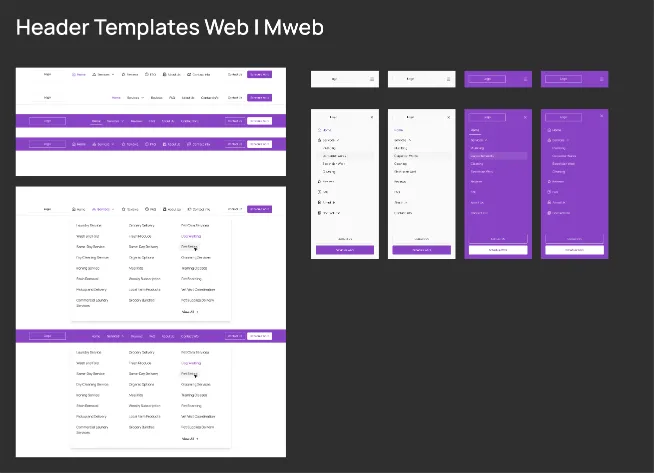
Web navigation, mobile navigation and buttons: nav and button fills flip together on the brand ground. Use the tabs or the arrows to slide through them.
Every screen, on one canvas
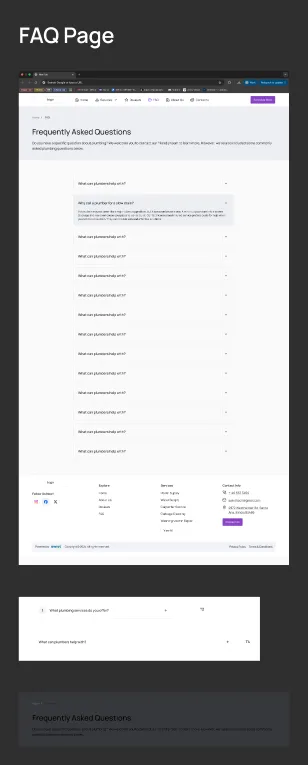
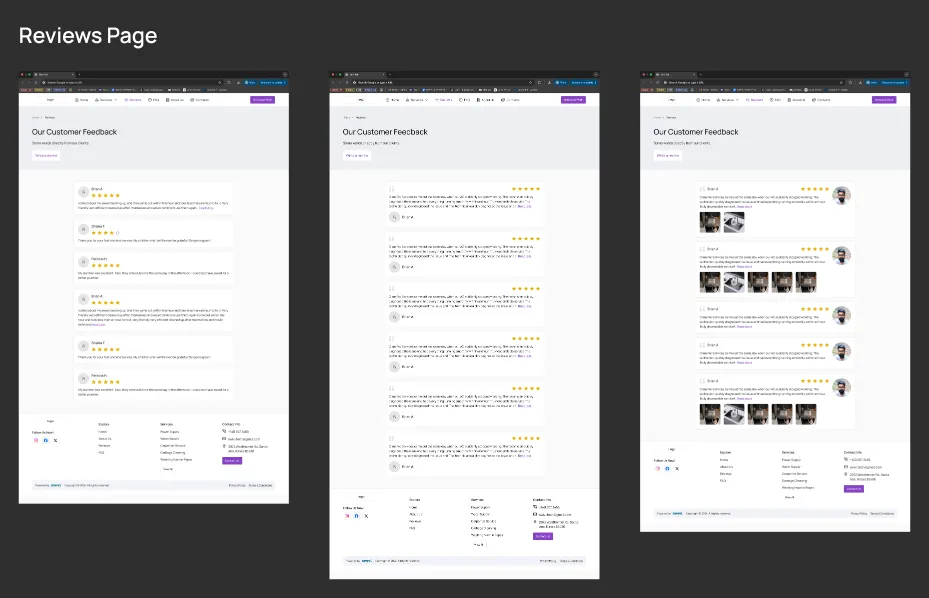
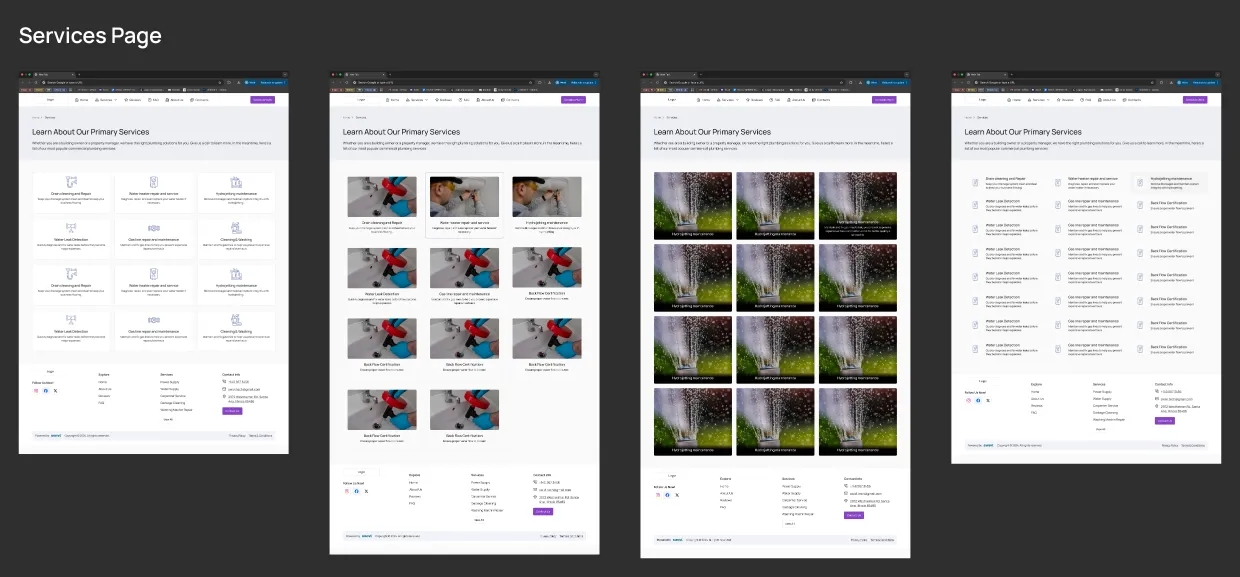
All 167: the ten section boards and seven page boards from Figma, then every template on its own, web and mobile, the full pages, the six themes, the final page at three sizes and the builder’s panels. Pick a group to fly to it, or press the corner button to present it full screen.
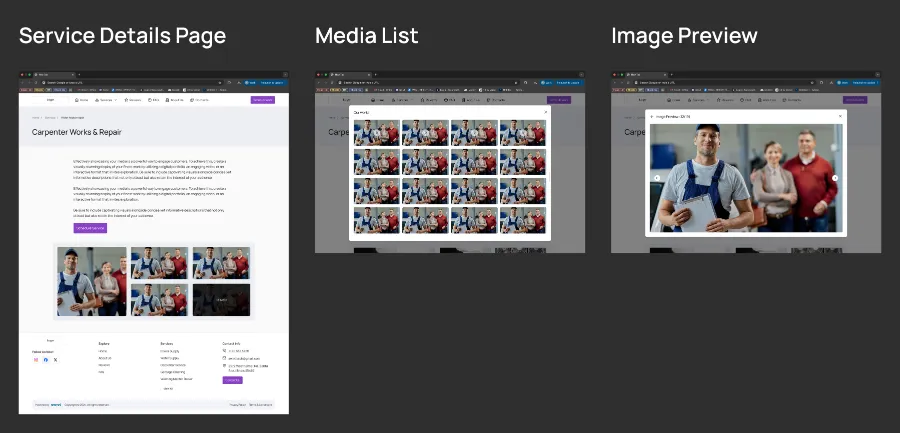
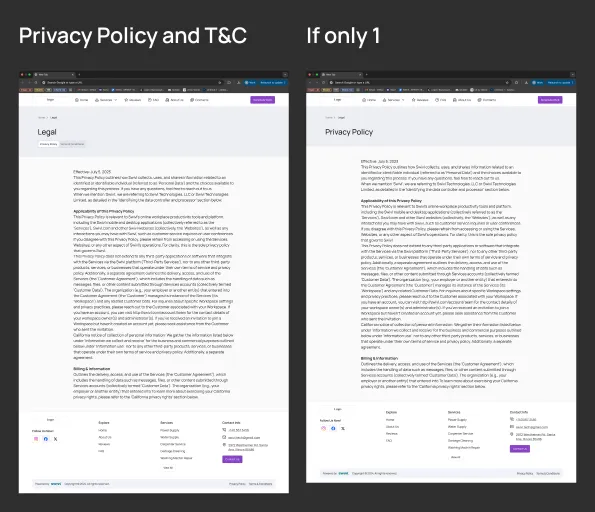
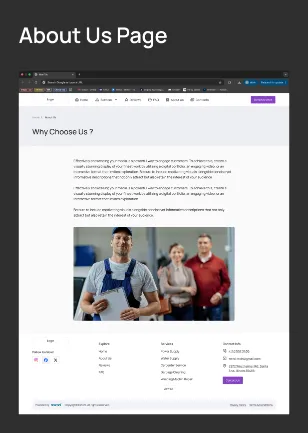
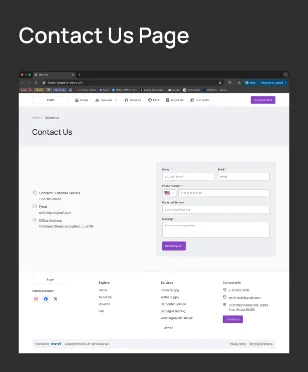
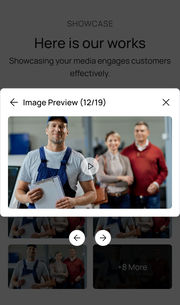
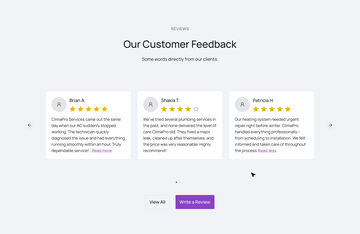
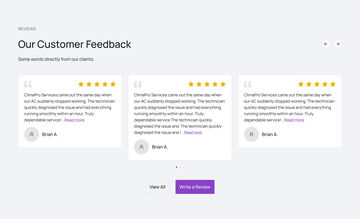
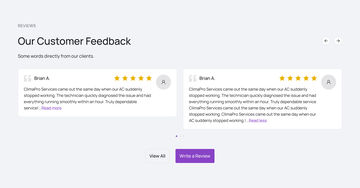
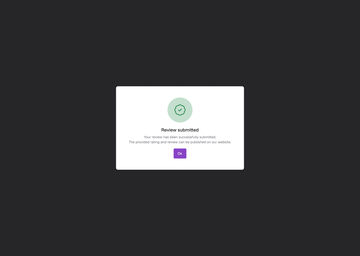
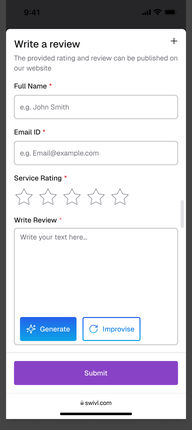
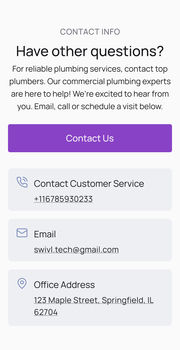
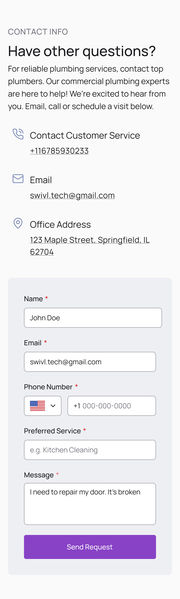
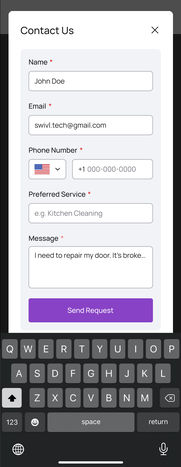
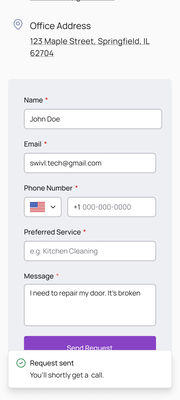
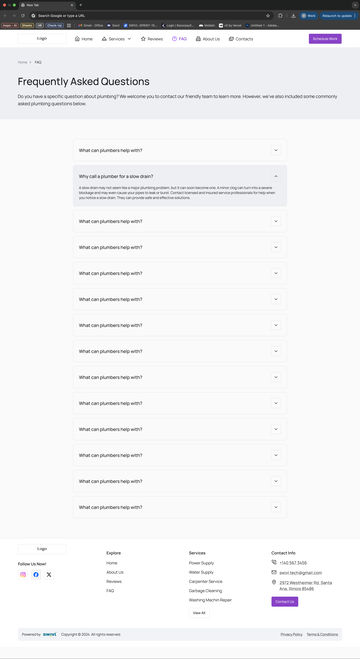
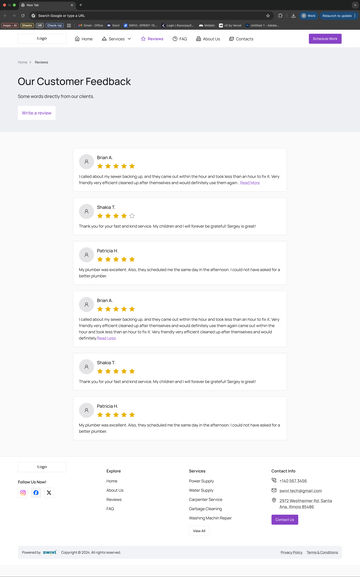
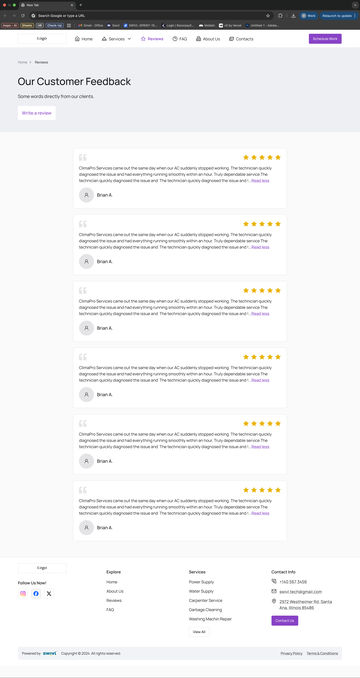
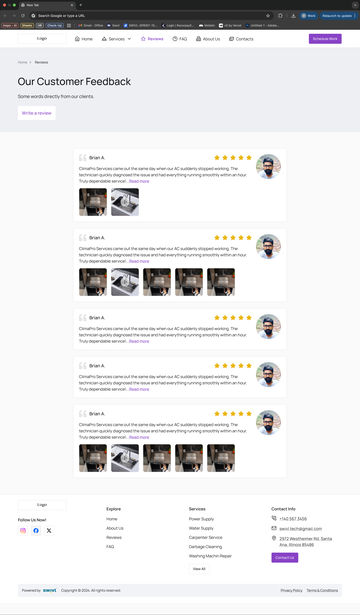
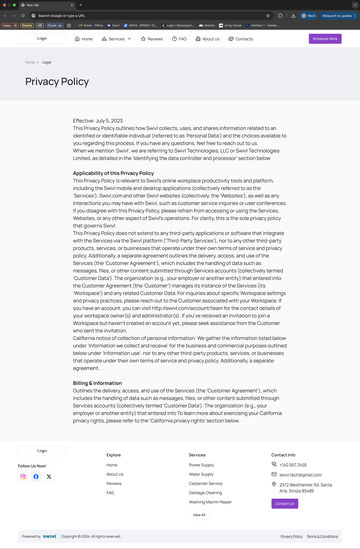
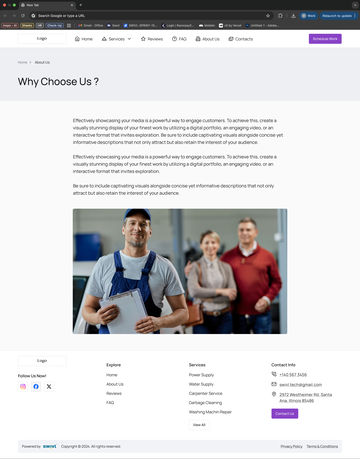
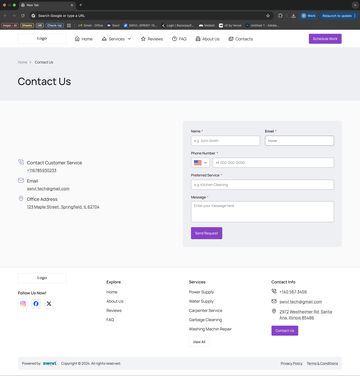
HeaderHomeServicesMediaReviewsAbout usTestimonialsFAQContact infoFooterFAQ pageReviews pageServices pageService detailsPrivacy policyAbout us pageContact us pageHome, T1Home, T2Home, T3Home, T4Home, T1Home, T2Home, T3Home, T4m · Home, T1m · Home, T2m · Home, T3m · Home, T4m · Side Nav Bar, T1m · Side Nav Bar, T2m · Side Nav Bar, T3m · Side Nav Bar, T4services submenuservices submenuServices, T1Services T1, Less itemsServices, T2Services T2, Less itemsServices, T3Services T3, Less itemsServices, T4Services T4, Less itemsm · Services, T1m · Services, T2m · Services, T3m · Services, T4Card 3Media, T1Media, T1, ExpandedMedia, T1, Less ItemsMedia, T2Media pop-upImage Previewm · Media, T1m · Media, T1, Expandedm · Media, T1, Image Previewm · Media, T2m · Media, T2, Media listm · Media, T2, Media previewReviews, T1Reviews, T2Reviews, T3Reviews, T4m · Reviews, T1m · Reviews, T2m · Reviews, T3m · Reviews, T4pop-uppop-upReview submitted successfullym · Bottom Sheetm · Bottom Sheetm · Bottom Sheetm · Bottom SheetReview From, WebReview Form, mobile webm · Error StatesAbout Us, T1About Us, T2About Us, T3About Us, T4Aspect Ratiom · About Us, T1m · About Us, T2m · About Us, T3m · About Us, T4Testimonial, T1Testimonial, T2Testimonial, T3Testimonial, T4m · Testimonial, T1m · Testimonial, T2m · Testimonial, T3m · Testimonial, T4FAQ T1FAQ T2FAQ T3FAQ T4m · FAQ T1m · FAQ T2m · FAQ T3m · FAQ T4Variant 2Variant 4m · mobile web V2m · mobile web, V4Contact Info, T1Contact Info, T2Contact Info, T3Contact Info, T4Contact Info T3Contact us formm · Contact Info, T1m · Contact Info, T2m · Contact Info, T3m · Contact Info, T4m · On Clicking, Contact Us, pop-up form opensm · ContainerForm ComponentContainerForm ComponentFooter T3m · Footer T1m · Footer T1m · Footer T3m · Footer T4Footer T4FAQ PageReviews Page, T1Reviews Page, T2Reviews Page, T3Services Page, T1Services Page, T2Services Page, T3Services Page, T4Services Details PageShow more mediaShow more mediaPrivacy Policy and TandCPrivacy Policy and TandC, If only 1About Us PageAbout Us PageColour 1Colour 2Colour 3Colour 4Colour 5Colour 6Final Desktop-Large ≥1400pxm · Final Mobile version1920px viewSubpageSubpageSubpageSubpageSubpageSubpageSubpageSubpageSubpageSubpageSubpageSubpageSubpageAbout Us PageHandoff-checklist
Drag to move · Ctrl + scroll or pinch to zoom · double-click a screen to focus itSwipe sideways to move · pinch to zoom · ⤢ for full screen
05The effort
Every layout drawn, every mix checked.
The pieces were designed at three sizes and checked against a list before anything went to engineering.
38LayoutsAcross ten sections, each drawn and checked.
6Colour themesEach changes four things, never the layout.
3Sizes checked360px phone, 1440px laptop, and rebuilt at 1920px, where heroes usually break.
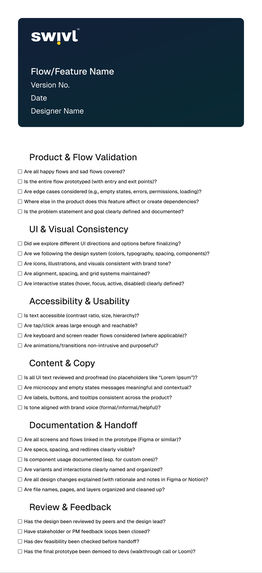
28Checks before handoffIn six areas, run against the file before it reaches engineering.
Product & flow · 5
Happy and unhappy paths, ways in and out, edge cases, knock-on effects, and the problem itself.
UI consistency · 5
Options explored, following the system, icons and brand tone, the grid, and hover and pressed states.
Accessibility · 4
Contrast, tap-target size, keyboard and screen-reader use, and motion.
Content & copy · 4
Proofed interface text, empty states with real words in them, consistent labels, and the brand’s voice.
Documentation · 6
Linked flows, clear specs, components used properly, named versions, reasons written down, and a tidy file.
Review · 4
Peer and lead review, stakeholder sign-off, a check with developers, and a final walkthrough.
How it was checked
Judged on the awkward case, not the ideal one
Check
What it found
What changed
Real content, not demo content
Two to eight services, phone photos, long service names, no reviews yet: a template drawn for the ideal case breaks on each.
Every section template ships reduced-density states, so three services read as planned, not as an unfinished row of six.
Three sizes
360px phone, 1440px laptop, and 1920px, where heroes usually break.
The set rebuilt at 1920 rather than assumed to scale; every desktop section has a mobile twin.
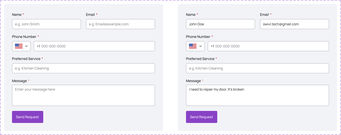
The column maths
Container 1296, gutter 24: three up is 416, two up is 636.
Every count resolves on the grid, with no odd widths for the AI to produce.
The handoff checklist
28 items in six areas. Dev feasibility and the final demo to developers are kept as two separate checks.
Run against the file before it reached engineering, not after.
06Business outcome
Shipped as V1, with engineering.
Version 1 proved the idea works: whatever the AI puts together is a page I already drew and checked.
1
3,145,728 possible pages: nine sections with four layouts each, Media with two (38 in all), in six colour themes, so 49 × 2 × 6. Every one built from approved parts.
2
A new layout adds many pages, but only one more thing to check, so the library can grow without a designer redoing pages by hand.
3
Booking built in, from the menu, the top of the page or any service, so the site brings in jobs, not just visits.
Looking back
The honest audit of a system I know better than anyone
V1 proved the vocabulary works. What I would keep, and what the next version has to fix.
Again
Design the boundary, not the pages. A finite, reviewed vocabulary turns “an AI made this” into “a designer approved every version of this”.
Gate my own handoff with a written checklist. Handoff fails in predictable ways, and a list is cheaper than a retro.
Differently
Make colour data, not artwork. Six recoloured copies should be one variable collection with six modes, with each palette’s own on-colour for text contrast.
Make density a component property. Reduced-item layouts are duplicated frames today, so a change to card padding is copied by hand.
Draw the states a live site enters, and a tablet size. Focus, loading, empty and error are missing, and the library jumps from 1440 to 360.